
If you plan meals in Wholesum as well as gear, the two work together. A trip can be linked to its meal plan, and the kitchen gear your recipes need can go straight onto the trip's packing list.
Linking a trip and a meal plan
When you add or edit a trip, choose its Meal plan. Tick Use the meal plan's dates and headcount to copy them across.
You can also start from the meal plan. On a meal plan's page, click Plan the gear for this trip. A new trip opens, linked to that meal plan. Once linked, the button shows the trip's name instead.
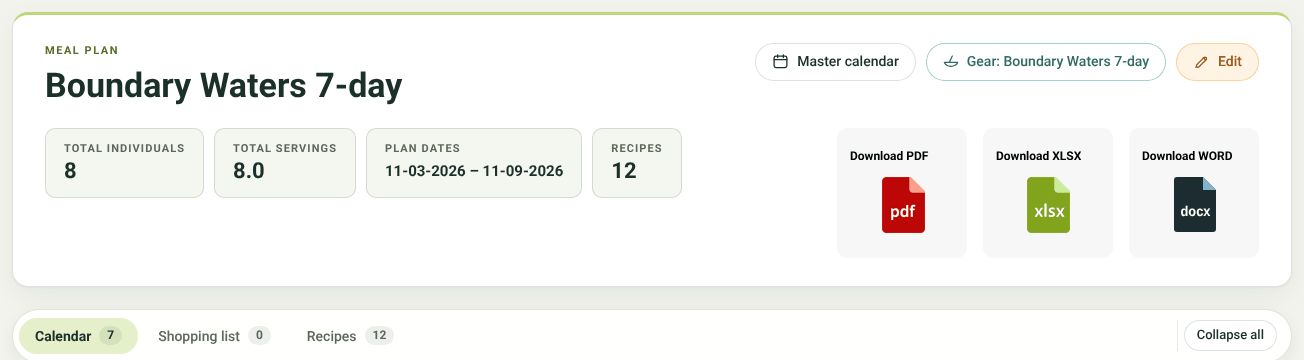
A meal plan linked to its Gear trip
Once they're linked:
- the calendar shows them as one bar;
- each page links to the other;
- notes and activity are shared between them;
- the Trip packet, printed packing list, notes and activity includes the meal plan's shopping list, calendar and recipes.
Equipment on recipes
Each recipe can list the kitchen gear it needs. Open a recipe to edit it and scroll to Equipment (it has a GEAR tag).
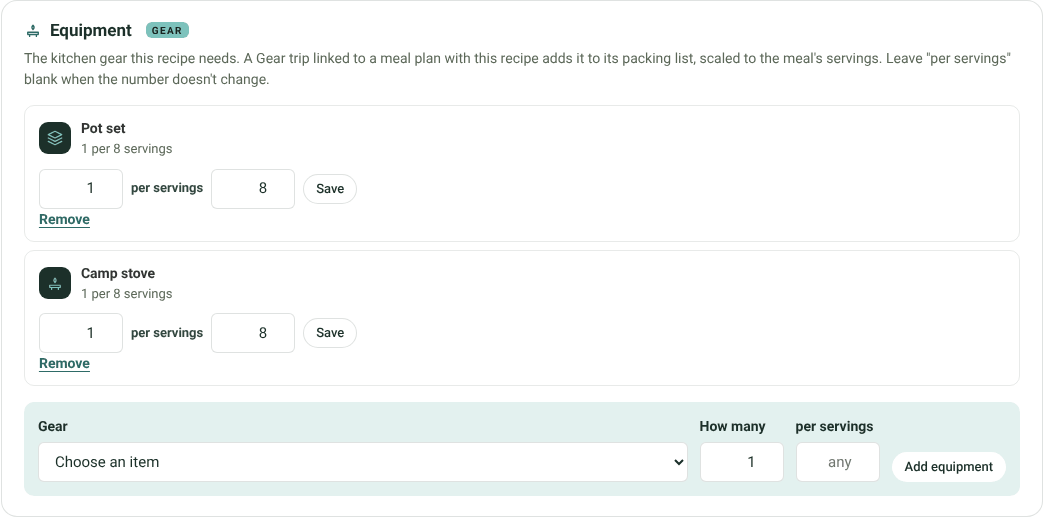
The Equipment panel on a recipe
Choose a reusable item from your gear list, say how many, and, if the number grows with the meal, per servings. For example 1 pot set per 8 servings. Leave per servings blank when the number doesn't change, like 1 Dutch oven, however many it serves.
Kitchen gear from the menu
On a trip linked to a meal plan, a Kitchen gear from the menu box appears above the packing list. It lists the equipment the meal plan's recipes need, scaled to each meal's servings. Because gear is reused from meal to meal, the trip needs enough for its biggest meal.
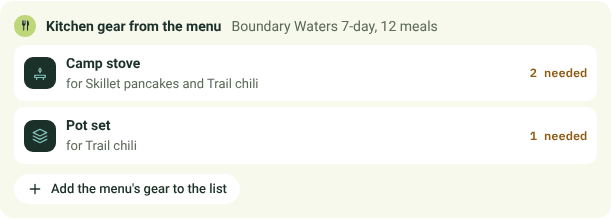
Kitchen gear from the menu, on a trip's packing list
Click Add the menu's gear to the list. Missing items are added, and items already on the list are raised to what the biggest meal needs, never lowered. When the list covers everything, the box says so.


