
A packing template is a packing list you reuse, like "5-day canoe trip" or "Kayak weekend". Each line says how its number grows with the trip, so the same template works for 6 people or 16.
Go to Trips and click the Templates tab (or the Templates button at the top of the page).
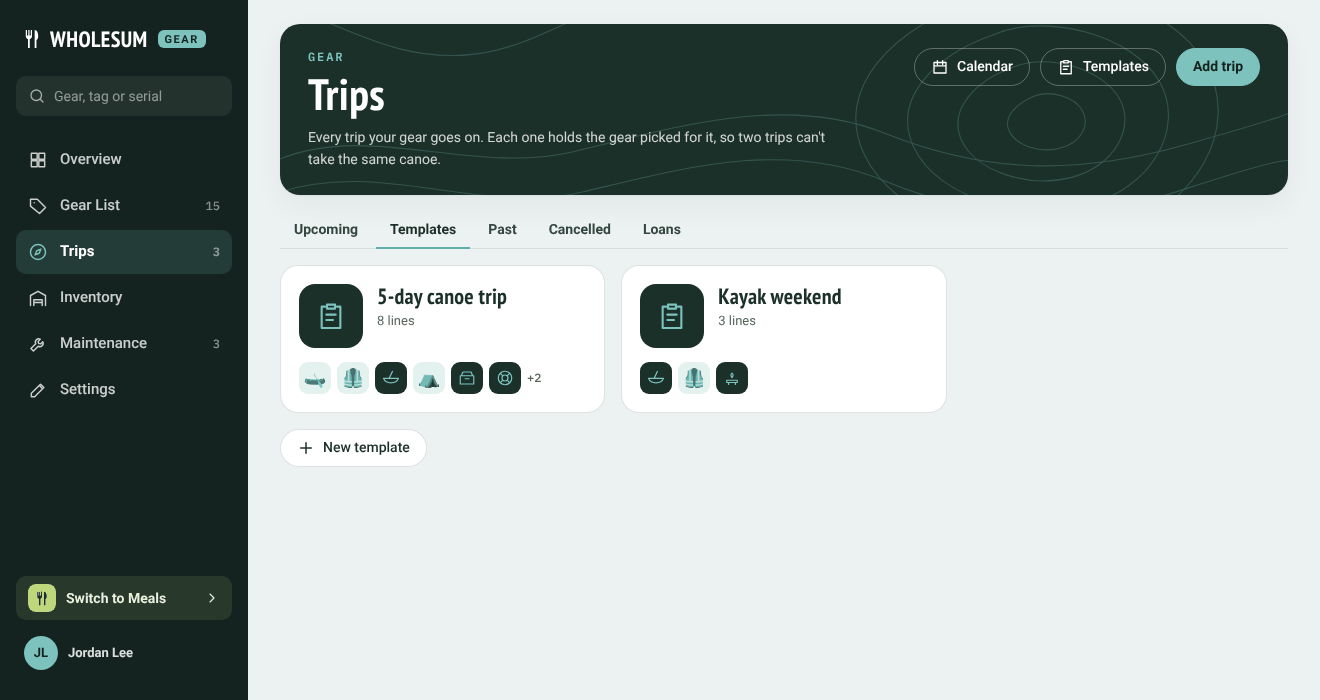
The Templates tab
Click New template, give it a name and notes, and save. Then add lines.
Lines and how they scale
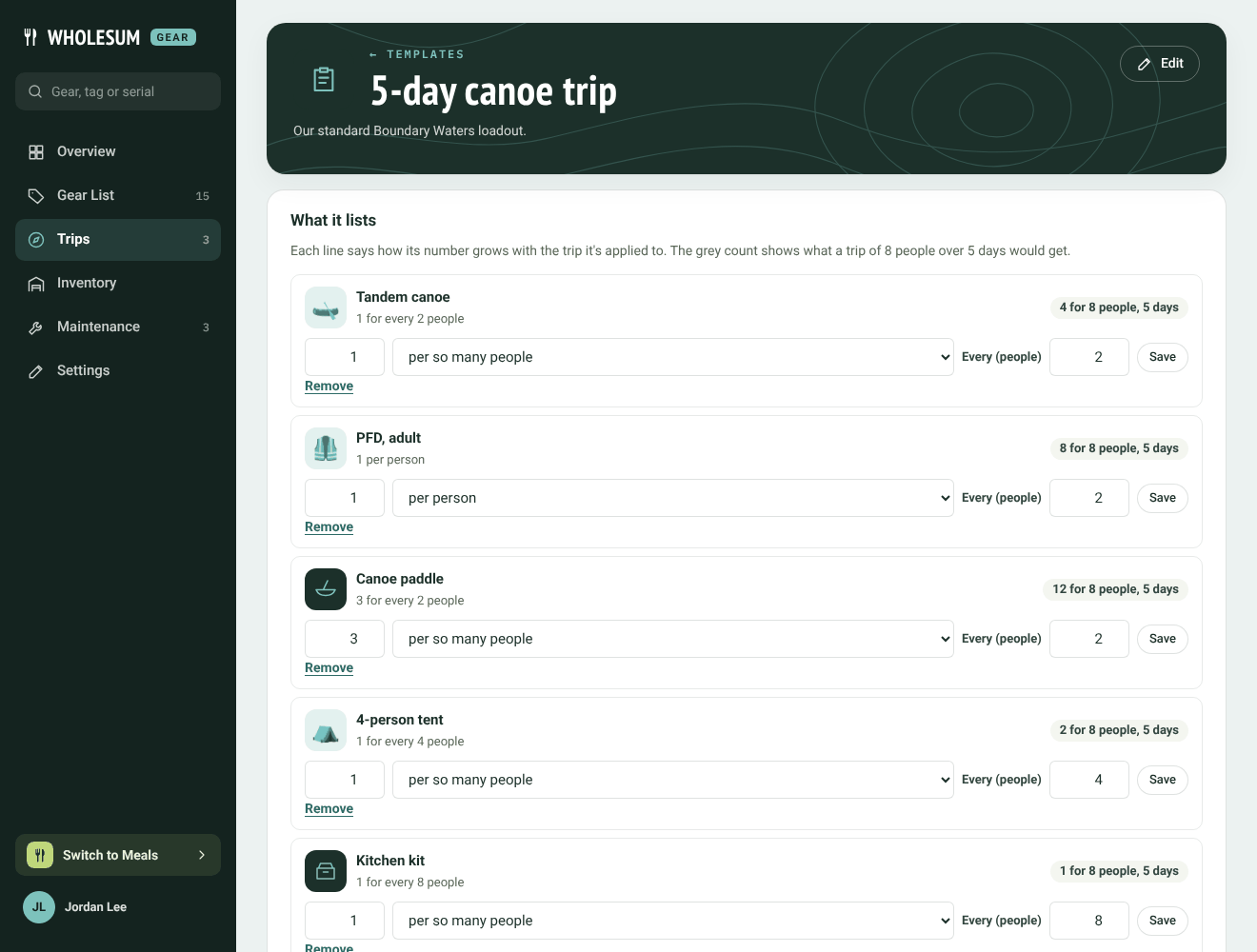
A packing template
At the bottom of What it lists, choose an item and a number and click Add to list. Then set how the line scales. Each line can be:
| Scales | Means | Example |
|---|---|---|
| per trip | The same number however big the trip. | 1 first-aid kit per trip |
| per person | That many for each person. | 1 PFD per person |
| per so many people | That many for every N people (rounded up). Set N in Every (people). | 1 canoe for every 2 people; 1 kitchen kit for every 8 people |
| per person per day | That many for each person for each day. | 2 snack bars per person per day |
The grey figure on each line (for example 4 for 8 people, 5 days) shows what a trip of that size would get, so you can check your numbers.
Change a line's number or scaling and click Save, or click Remove.
Using a template
On a trip's page, click Apply a template in the Actions panel and choose the template. Its lines are worked out for that trip's headcount and number of days and added to the packing list. If the list already has an item, Gear raises it to what the template asks for but never lowers it. See Building a trip's packing list.
Changing or deleting a template later doesn't change trips it was already applied to.


