
Settings controls how Wholesum works for your whole account. To open it, click your name (top right) and choose Settings, or use the Settings quick link on your Home page. Only the account owner can change Settings.
Switches save as soon as you click them, and a small "Saved" confirms it. A feature your plan doesn't include shows its plan label and an Upgrade button.
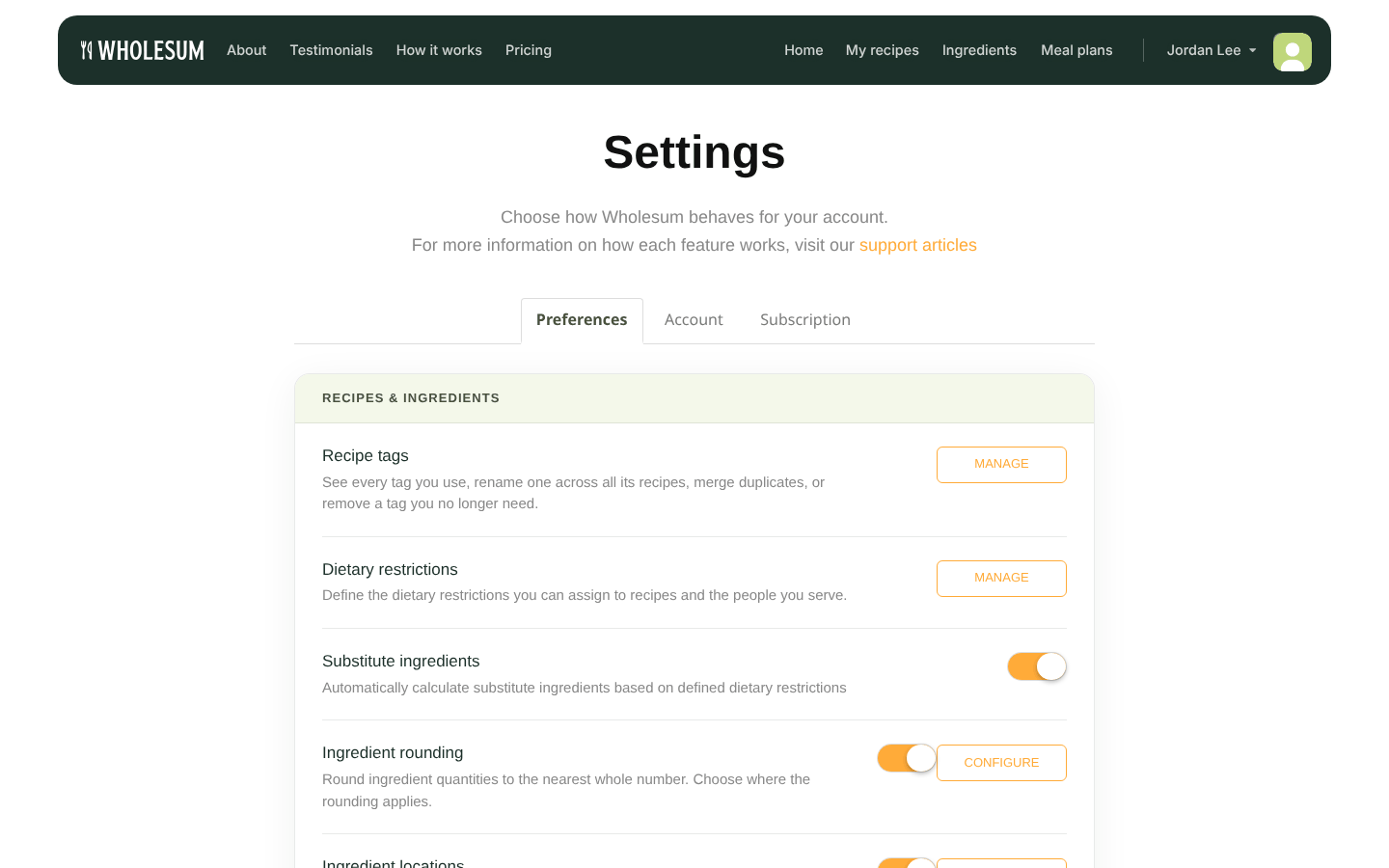
The Settings page
Recipes & ingredients
| Setting | What it does |
|---|---|
| Recipe tags → Manage | Rename, merge or delete tags across all recipes. See Managing recipe tags. |
| Dietary restrictions → Manage | The list of restrictions and allergens you track, such as Eggs, Nuts and Meat. These appear as Meal contains on recipes and as Dietary Restrictions on meal plans. |
| Substitute ingredients | Turns on substitutes, so shopping lists swap ingredients for people with restrictions. Personal plan and up. |
| Ingredient rounding → Configure | Rounds counted items to whole numbers, on shopping lists, recipe details or both. Personal plan and up. |
| Ingredient locations → Manage locations | Track separate stores, departments, notes and prices for each kitchen. See Using multiple kitchen locations. Enterprise. |
| Packing notes | Replaces each recipe ingredient's Store with Packing notes, such as "Bear box 2", so you can plan where each item is packed. Packing notes can be filtered and shown in exports. Enterprise. |
Dietary restrictions
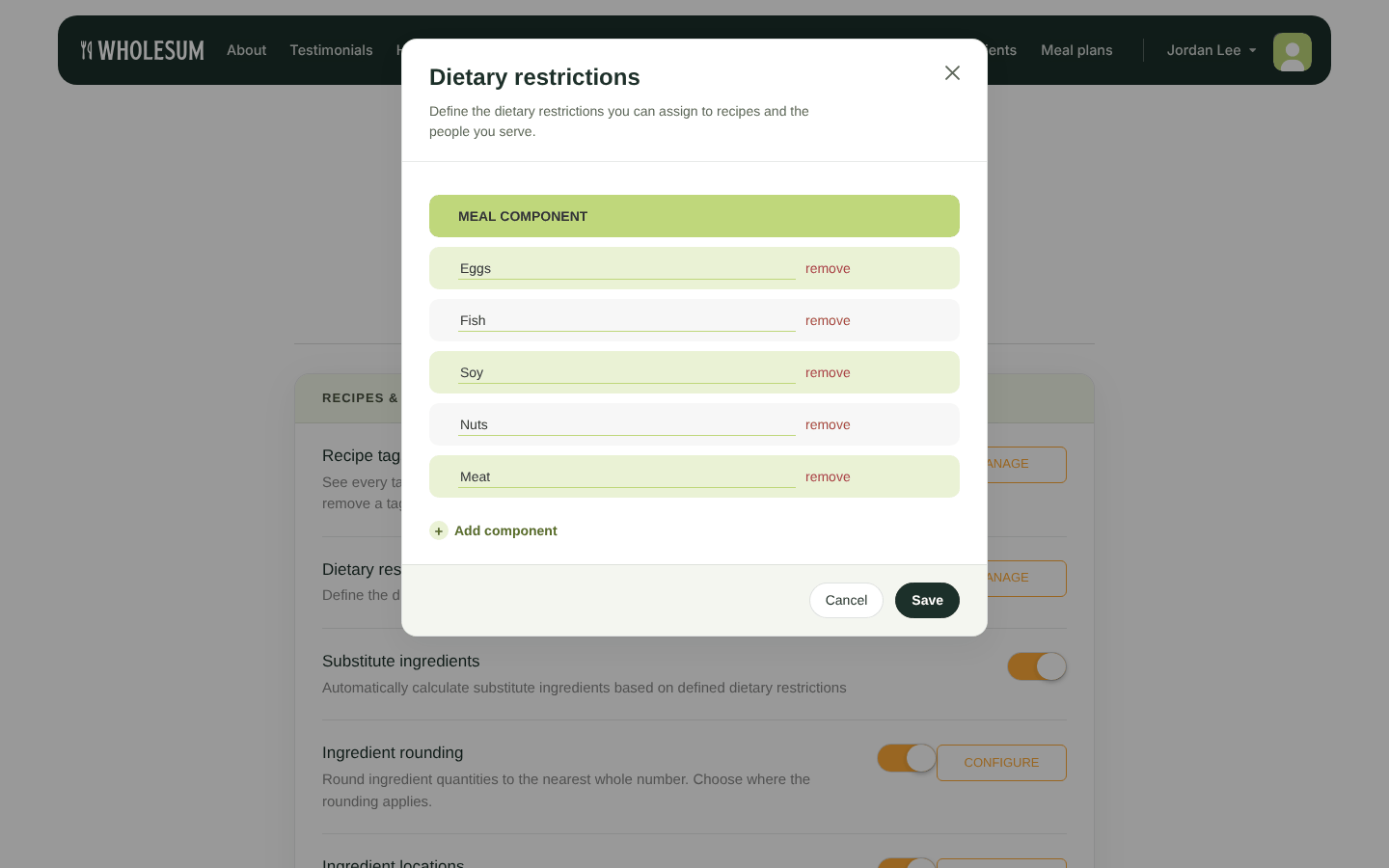
Managing dietary restrictions
Click Add component to add a restriction, edit a name in place, or remove one. Then click Save.
Ingredient rounding
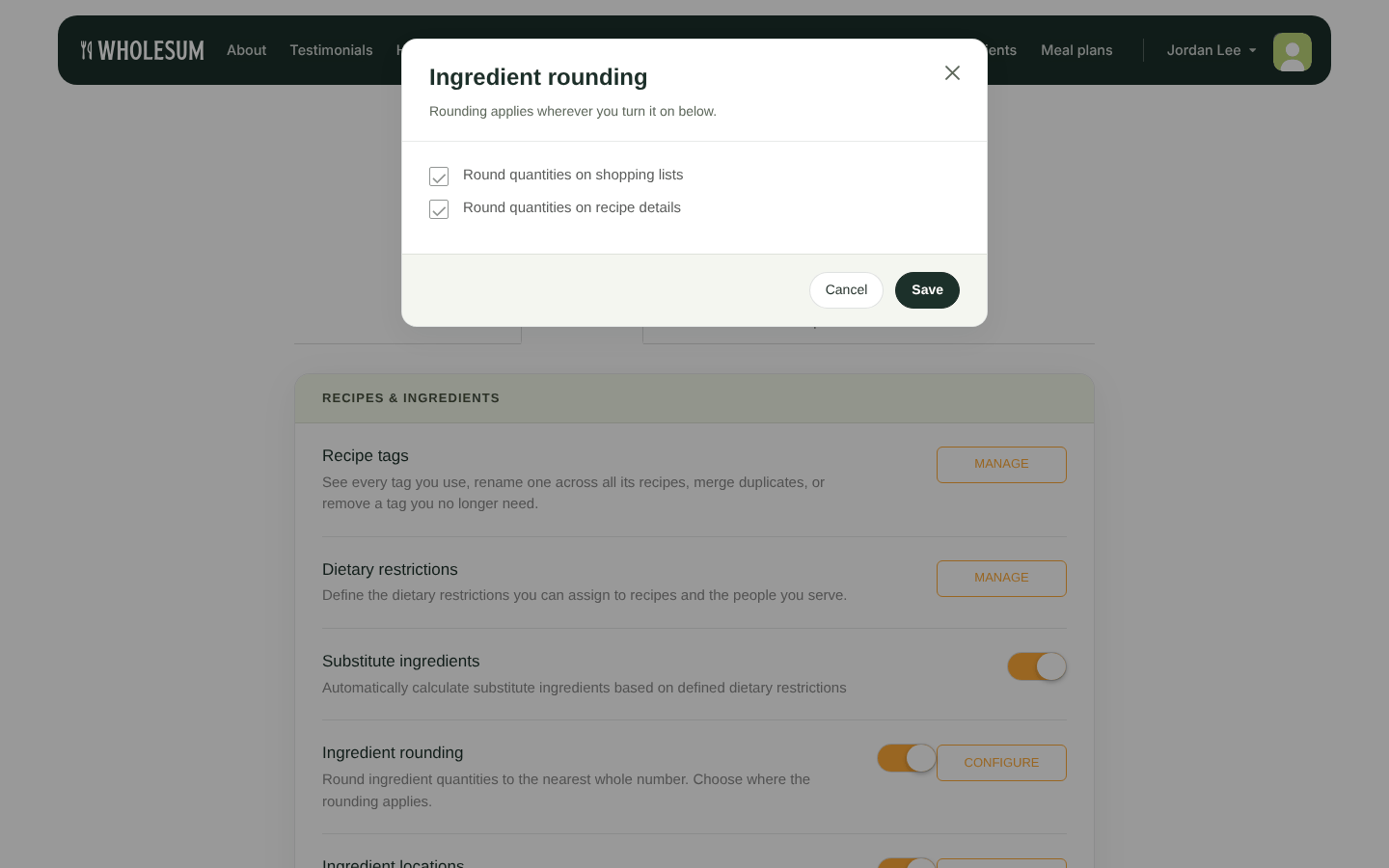
Choosing where rounding applies
Turn the switch on, click Configure, and tick Round quantities on shopping lists and/or Round quantities on recipe details. Then choose how each counted ingredient rounds on the Ingredients page. See Ingredient rounding.
Meal planning
| Setting | What it does |
|---|---|
| Day labels & numbering → Edit | For plans that use Day Numbers instead of dates: the word used for each day (default "Day", up to 18 characters, for example "Trip day"), and whether numbering starts at 0. |
| Meal category labels → Edit | The default names of the four meal columns (Breakfast, Lunch, Dinner, Snack & Beverage) for new meal plans. |
| Batch recipes | Lets recipes scale by whole batches. See Creating and editing recipes. Enterprise. |
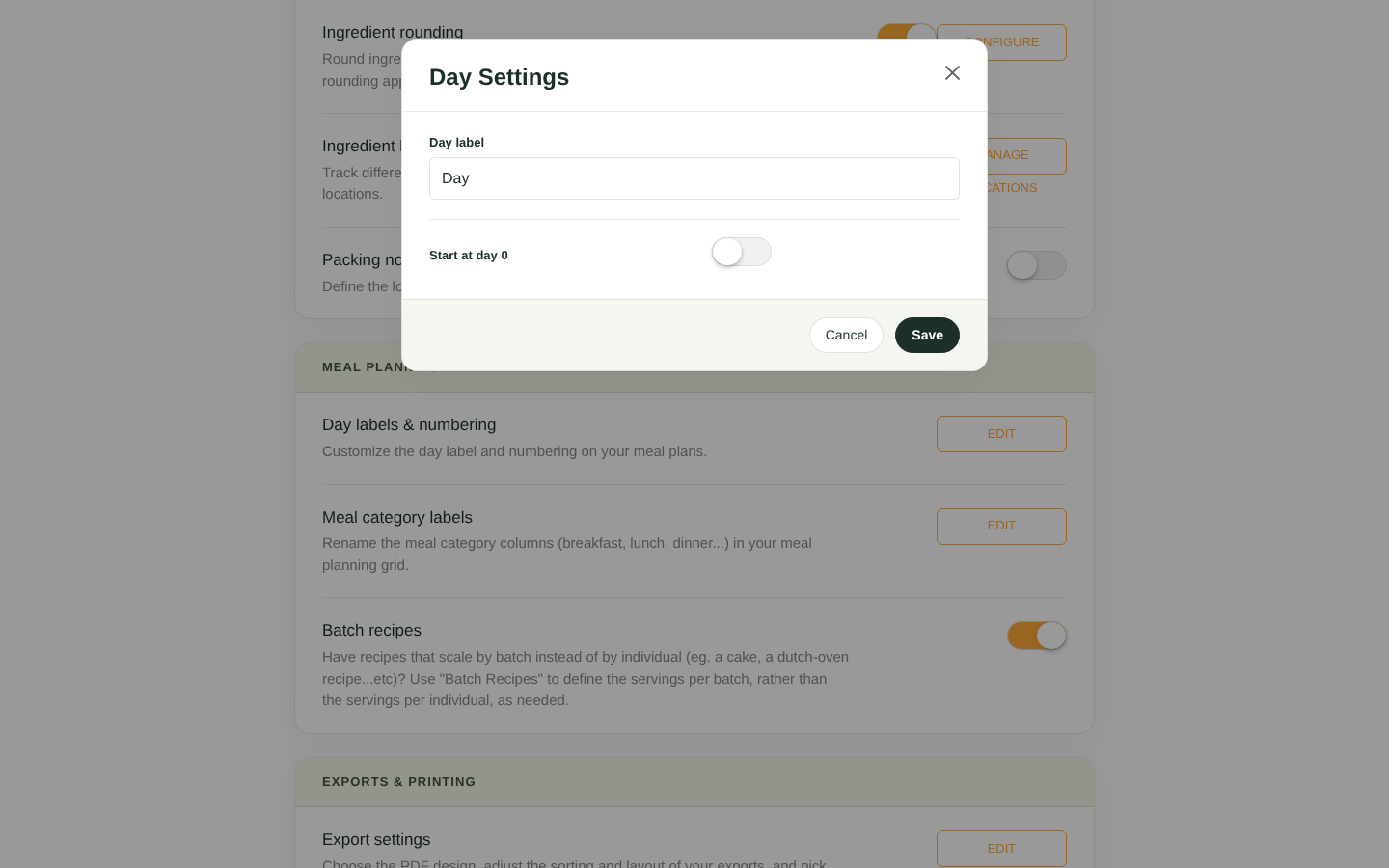
Day label settings
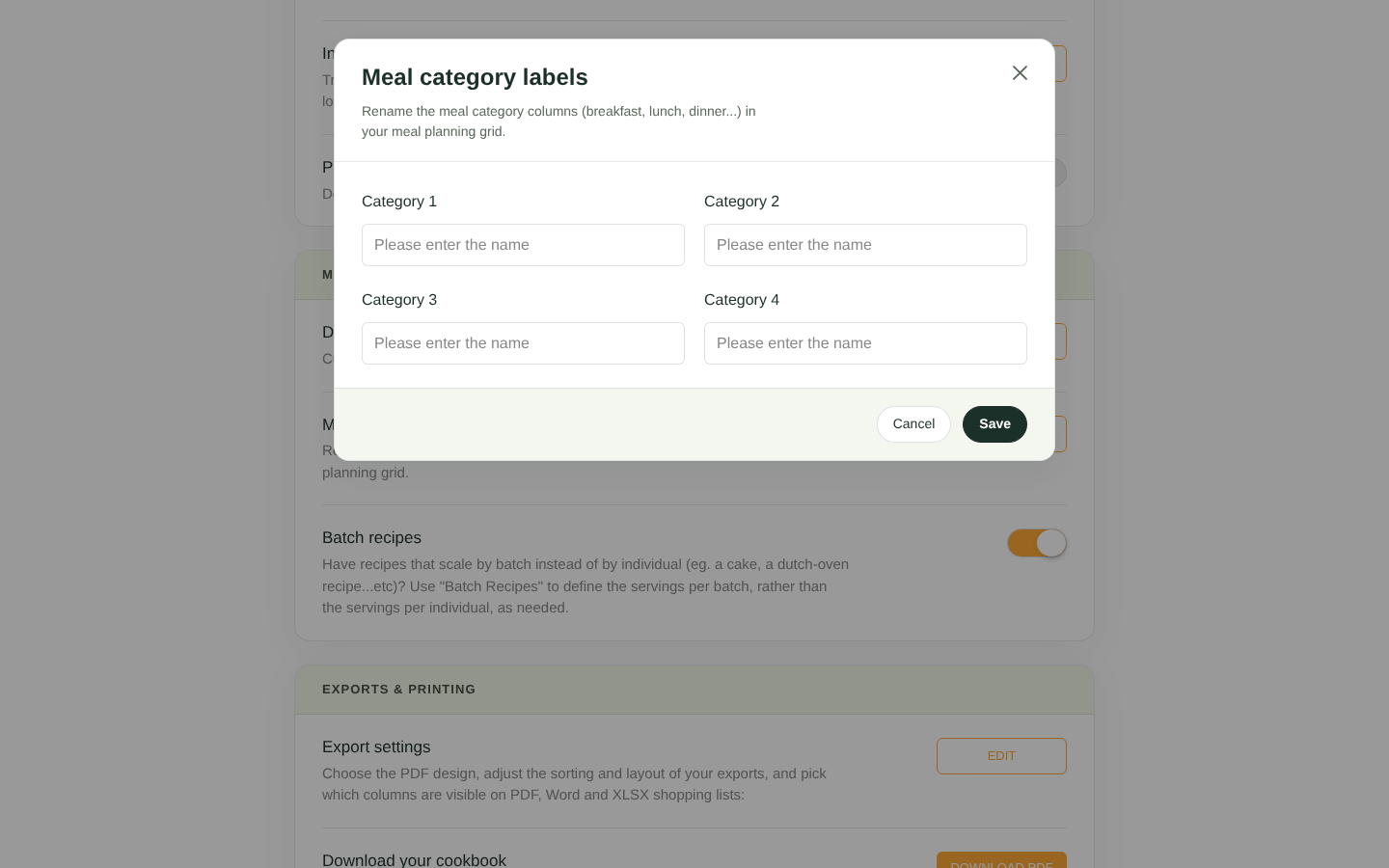
Meal category label settings
Changing meal category labels affects new meal plans. Each existing plan keeps its own column names, which you can rename in the plan editor.
Exports & printing
| Setting | What it does |
|---|---|
| Export settings → Edit | Columns, sorting, PDF design, page breaks and zoom for all exports. See Export settings (columns, sorting and PDF layout). |
| Download your cookbook → Download PDF | Every recipe on your account in one PDF cookbook. |
| Filtered exports | Replaces the export buttons on meal plans with an Export meal plan window, where you can filter by store, department, ingredient tags, packing notes and dates. Enterprise. |
Sharing & access
| Setting | What it does |
|---|---|
| Community recipe sharing | Lets you share recipes in the community Shared Recipes library. See Sharing recipes with the Wholesum community. |
| Team access → Manage | Invite other people into your account and choose what they can do. See Inviting team members and setting permissions. Enterprise, and Personal (one extra user). |


