
You don't have to type every recipe. Wholesum can pull recipes in from three places:
- recipe websites
- curated Cookbooks
- the community Shared Recipes library
To bulk-import your own recipe cards, PDFs or spreadsheets, see Importing recipe files with Olive (photos, PDFs and spreadsheets).
From a recipe website (Recipe from URL)
- Go to My recipes → Create new recipe → Recipe from URL. Or open Declutter Recipe from the website footer.
- Paste the recipe's web address and click Get Recipe.
- Wholesum pulls out just the recipe: the name, ingredients, servings and instructions, without the ads and life story.
- Click Save Recipe. You'll go to a review page where you check each ingredient (see "Checking imported ingredients" below), then save the recipe to your library.
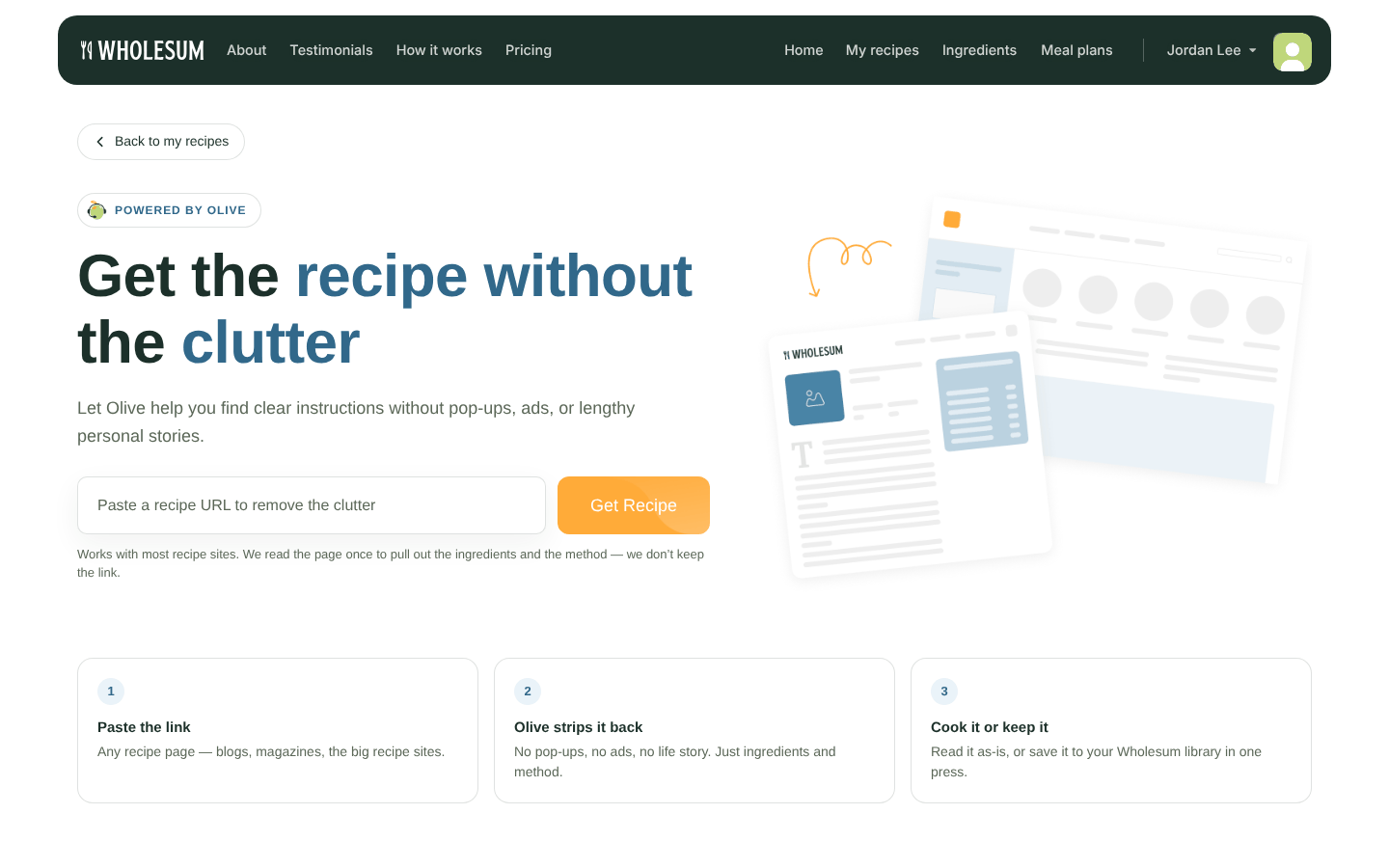
The Declutter Recipe page
It works with most recipe sites that publish their recipes in a standard format. If you see "We couldn't find a recipe there", that page doesn't have one Wholesum can read. Try another link, or add the recipe manually.
From a Cookbook
Cookbooks are ready-made collections of trip-tested recipes, curated by the Wholesum team, such as Backpacking Trips, Canoe Voyages and Whitewater Rafting.
- Go to My recipes → Create new recipe → Browse Cookbooks. Or use the Cookbooks quick link on your Home page.
- Click Explore on a cookbook.
- Either click ADD ALL RECIPES, or tick the recipes you want and click Add N recipes in the bar at the bottom.
- Confirm with Add recipes.
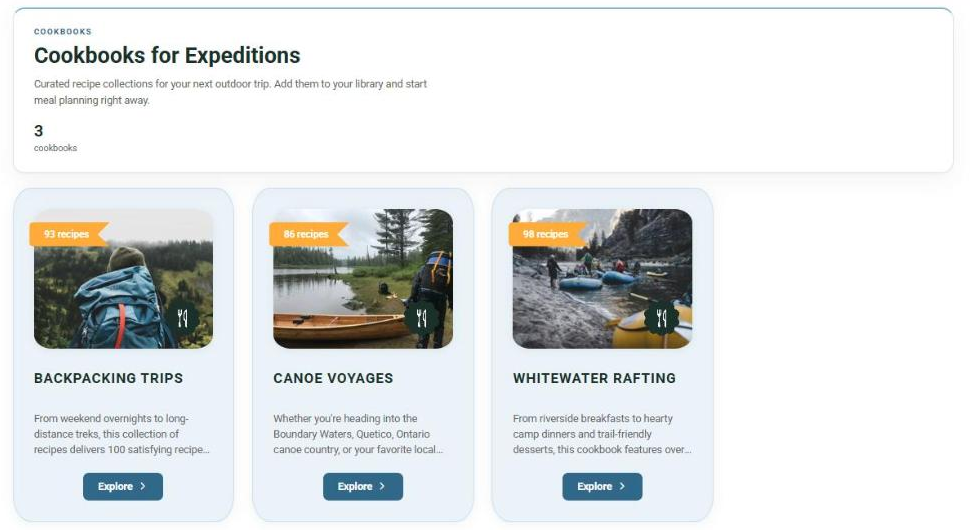
The Cookbooks page
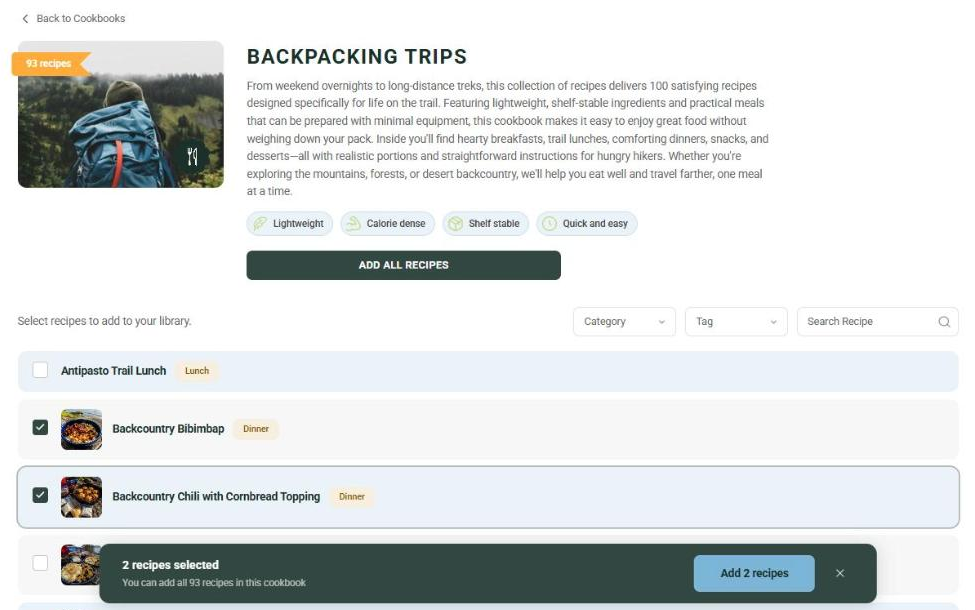
Choosing recipes from a cookbook
The recipes are added in the background. Within a few moments they'll appear in My recipes with a cookbook badge. Refresh the page if you don't see them yet. Recipes you've already added show Added and aren't copied twice.
Wholesum matches each cookbook ingredient to one of your existing ingredients where it can, so your prices and stores apply. Otherwise it creates a new ingredient. Dietary restrictions are matched to your own restriction list by name.
From Shared Recipes
Shared Recipes is a library of recipes that other Wholesum users have chosen to share.
- Go to My recipes → Create new recipe → Shared Recipes. Or click Recipes in the website footer.
- Browse a collection, search (type at least 3 letters), or click Filters to narrow by Meal Category, User Categories or Company Names.
- Open a recipe and click Save Recipe.
- The recipe opens as a new, unsaved recipe in your editor. Check the ingredients (see below), adjust anything you like, and click Save.
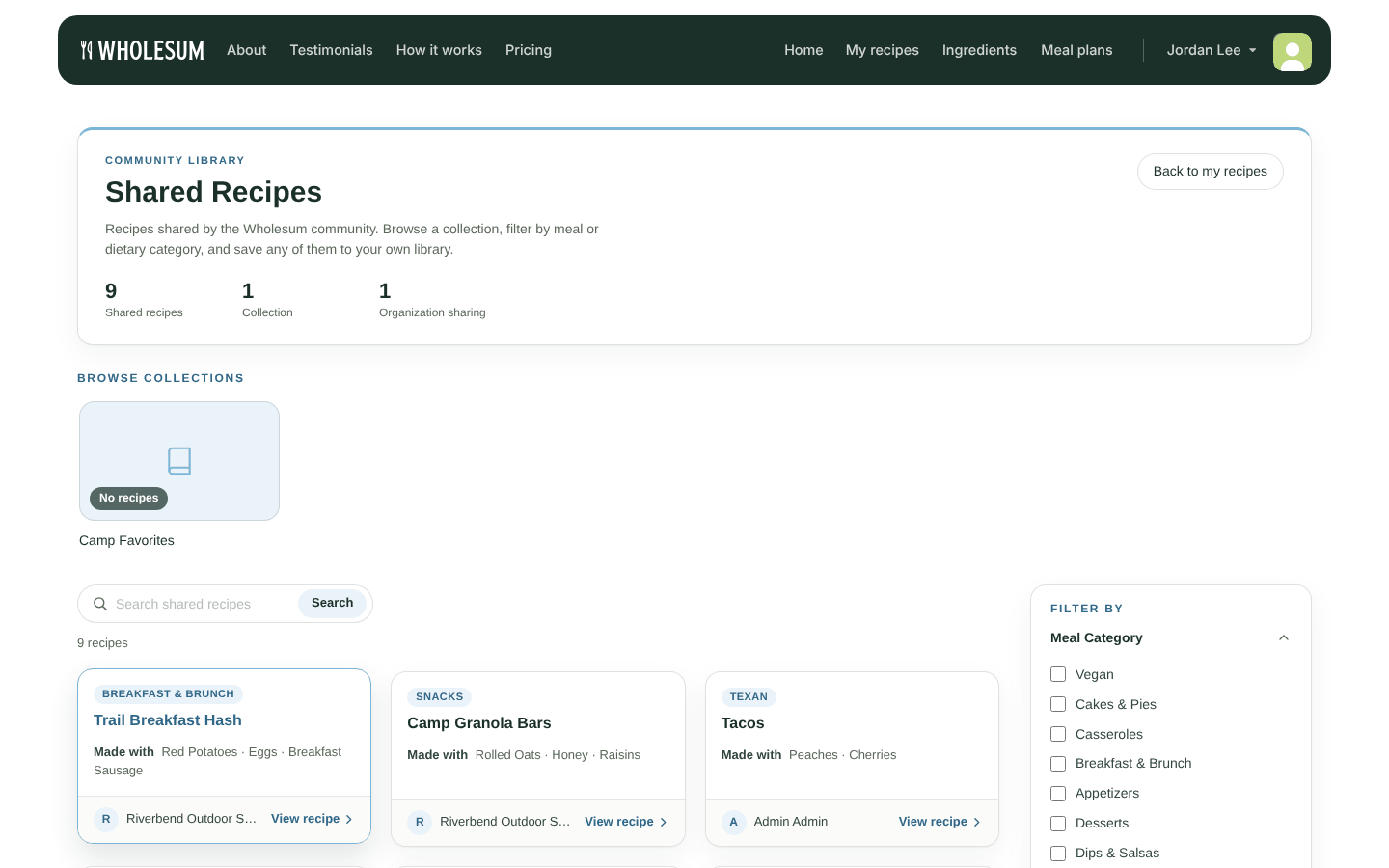
The Shared Recipes library
Checking imported ingredients
When you import from a website or Shared Recipes, Wholesum steps through each ingredient so your ingredient list stays tidy. For each one, choose either:
- Use an existing ingredient: pick a match from your list. Your price and store for it carry over.
- Add new ingredient: create it as a new ingredient.
Click Next ingredient (or Finish on the last one). Click Remove ingredient to drop it from the recipe. You need to confirm every ingredient before you can continue.


