
Maintenance lists everything waiting on a repair, and the inspections coming due. Each repair is a ticket that stays open until the gear is fixed or written off.
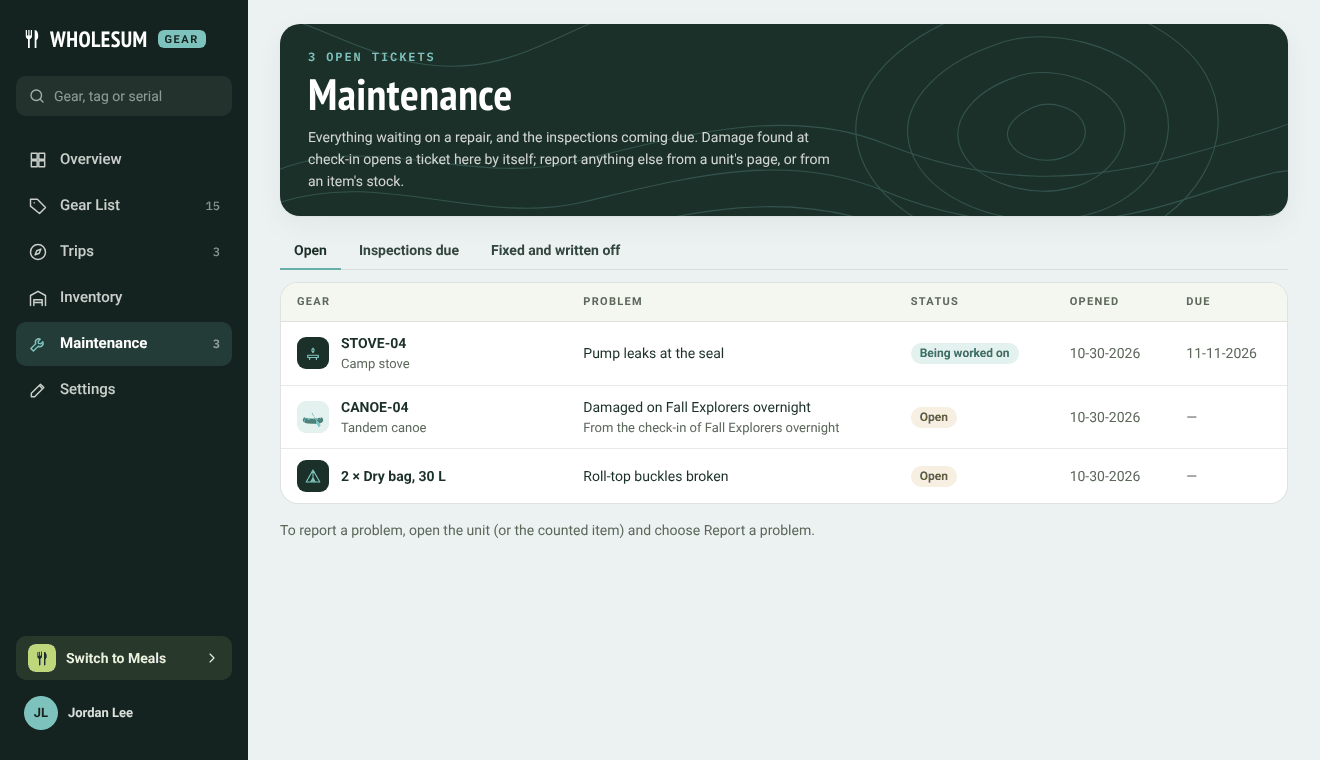
The Maintenance page
The tabs show Open tickets, Inspections due (see Inspection schedules) and Fixed and written off. Each ticket shows the gear, the problem, its status, when it was opened and when it's needed back.
Where tickets come from
- Check-ins. Damage marked Needs repair or Out of service at check-in opens a ticket by itself, with the note and photo from the check-in.
- Failed inspections. These open a ticket and take the unit out of service.
- Inventory. Sending counted gear to repair opens a ticket.
- By hand. Open the unit (or the counted item) and click Report a problem.
- QR labels. Anyone allowed to use a label can report a problem from it.
Reporting a problem
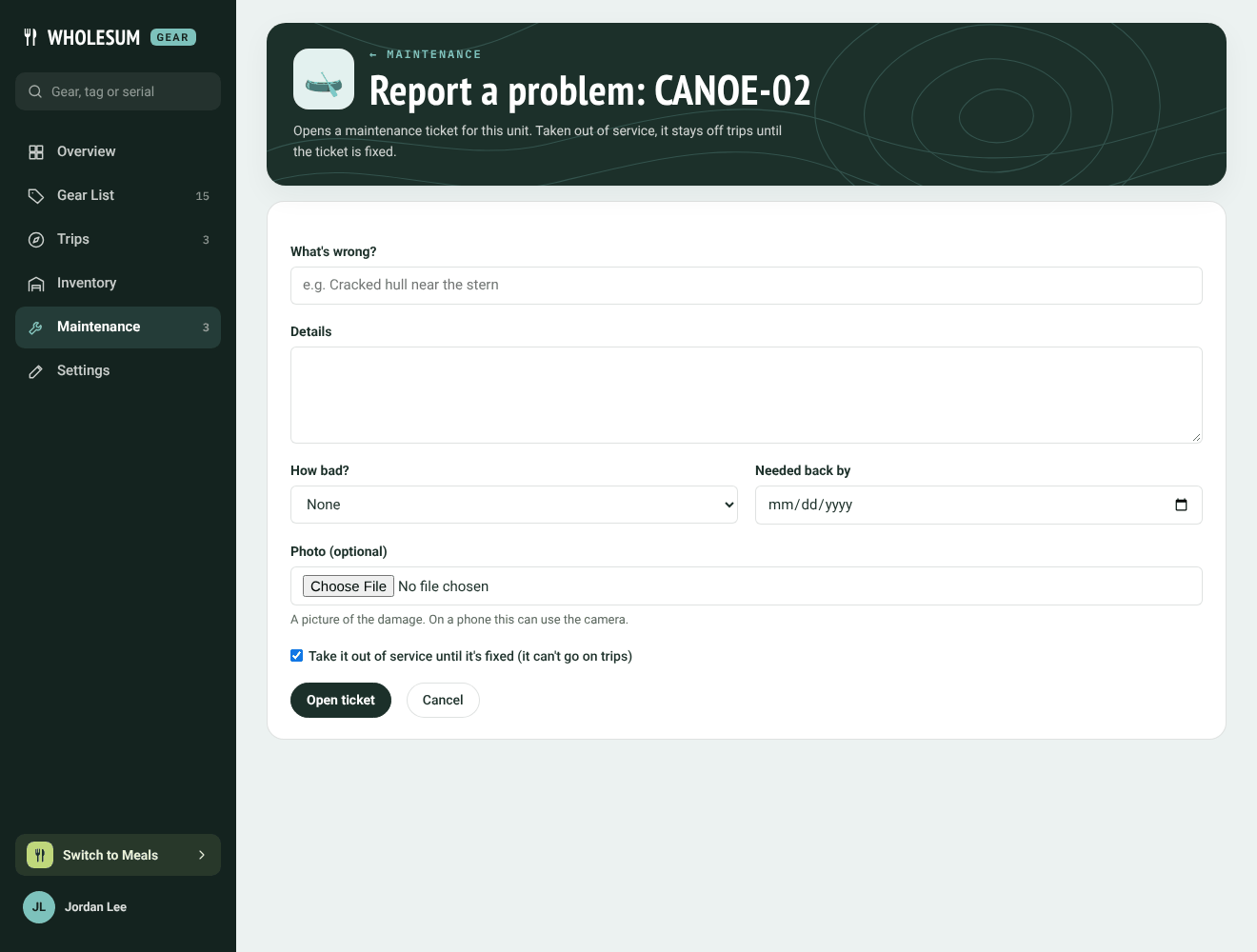
Reporting a problem with a canoe
- What's wrong?: a short title, for example Cracked hull near the stern.
- Details and How bad?
- How many (counted gear): they move from the shelf into repair.
- Needed back by: an optional date.
- Photo (optional): on a phone this can use the camera.
- Take it out of service until it's fixed: when ticked, the unit can't go on trips until the ticket is closed.
Click Open ticket.
Working on a ticket
Click a ticket to open it.
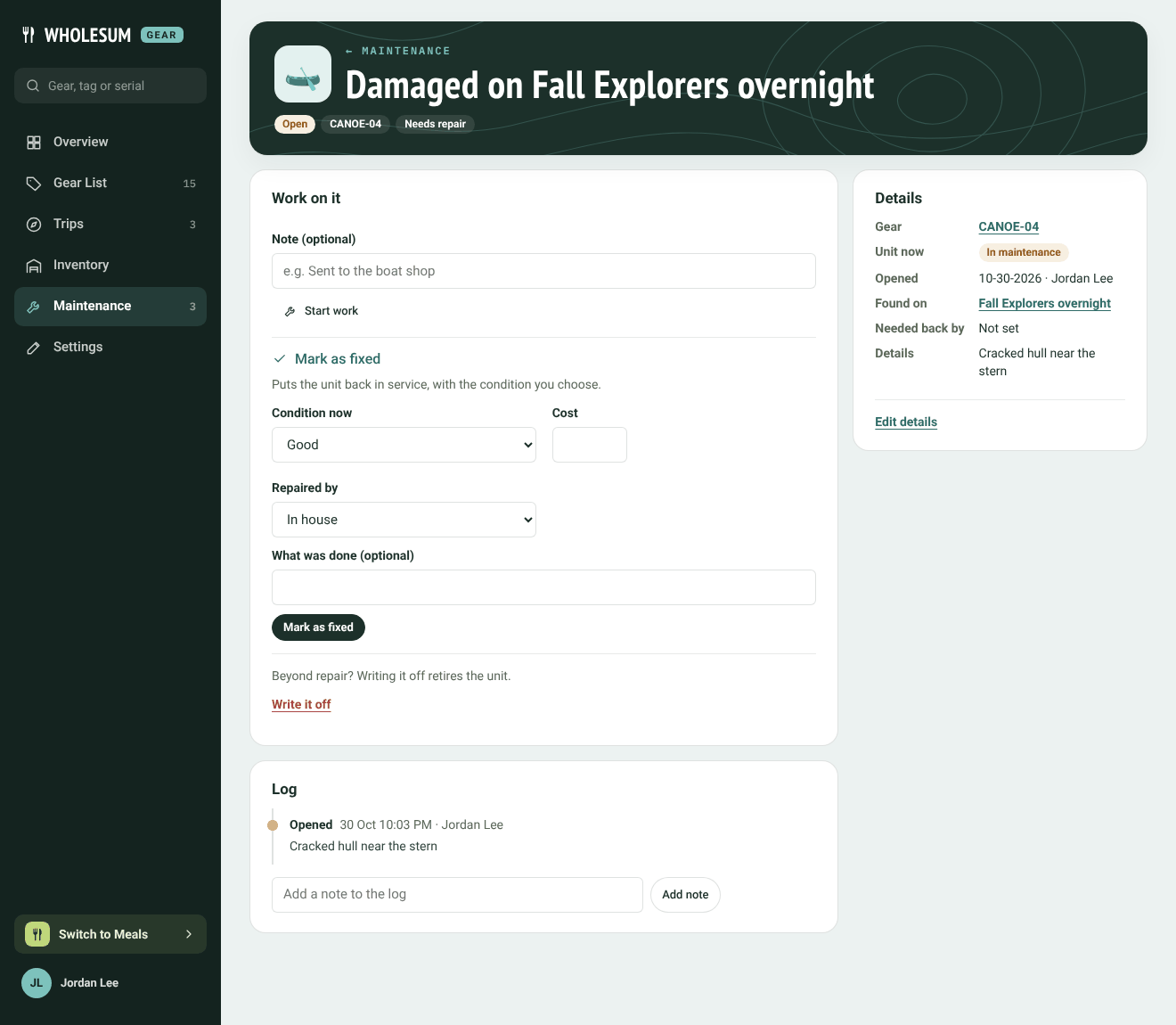
A repair ticket
Under Work on it:
- Start work: marks it as being worked on, with an optional note, for example Sent to the boat shop.
- Mark as fixed: choose the unit's Condition now, the Cost, who it was Repaired by (a vendor or In house) and what was done. A unit goes back in service; counted gear goes back on the shelf.
- Write it off: for gear beyond repair. A unit is retired; counted gear is taken out of the repair count for good.
The Log records every step with who did it and when, and you can add notes to it. Details shows the gear, the unit's status now, the trip it was damaged on, and the photo. Edit details changes the title, description or due date.
Repairs sent to a vendor appear in the log on that Vendors.


