
Vendors are the shops and makers you buy gear from and send it to for repair. Each one has its own page with what you need to order from them, what you've bought, your notes and their files.
To open your vendors, go to Gear List and click Vendors (or Settings → Manage vendors).
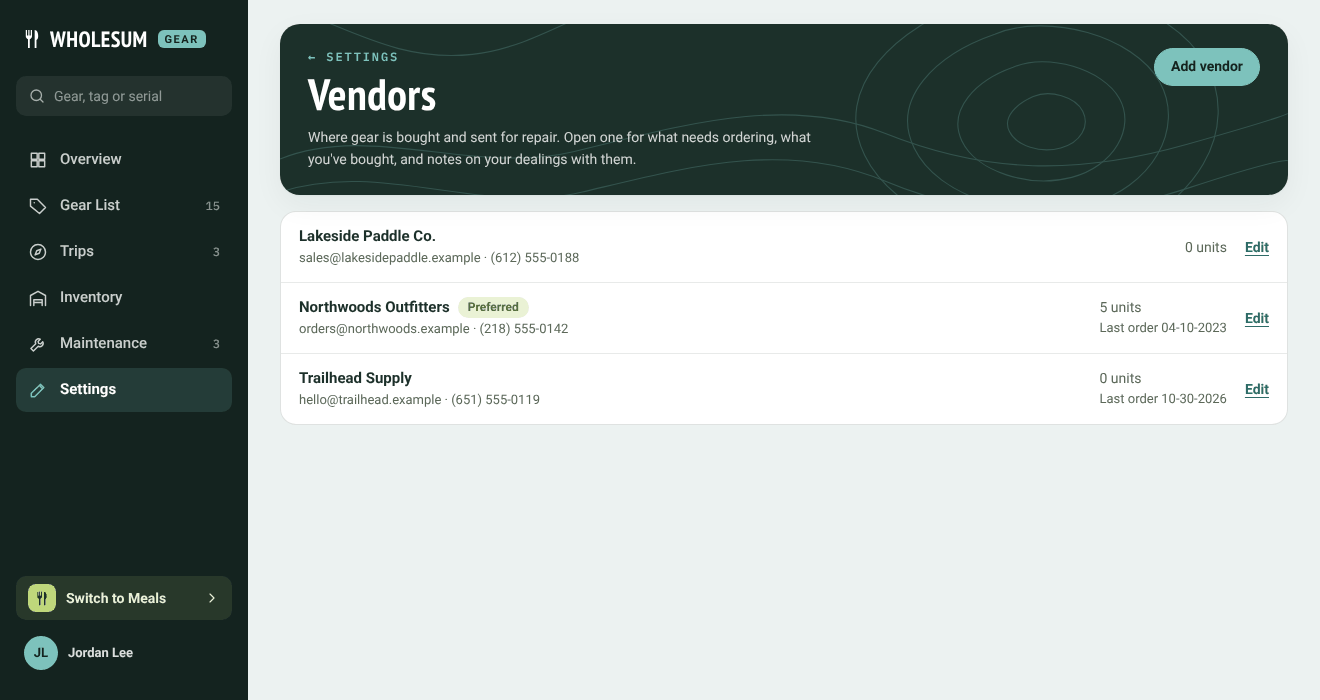
The Vendors page
Click Add vendor to add one. A vendor marked Preferred is shown with a tag.
A vendor's page
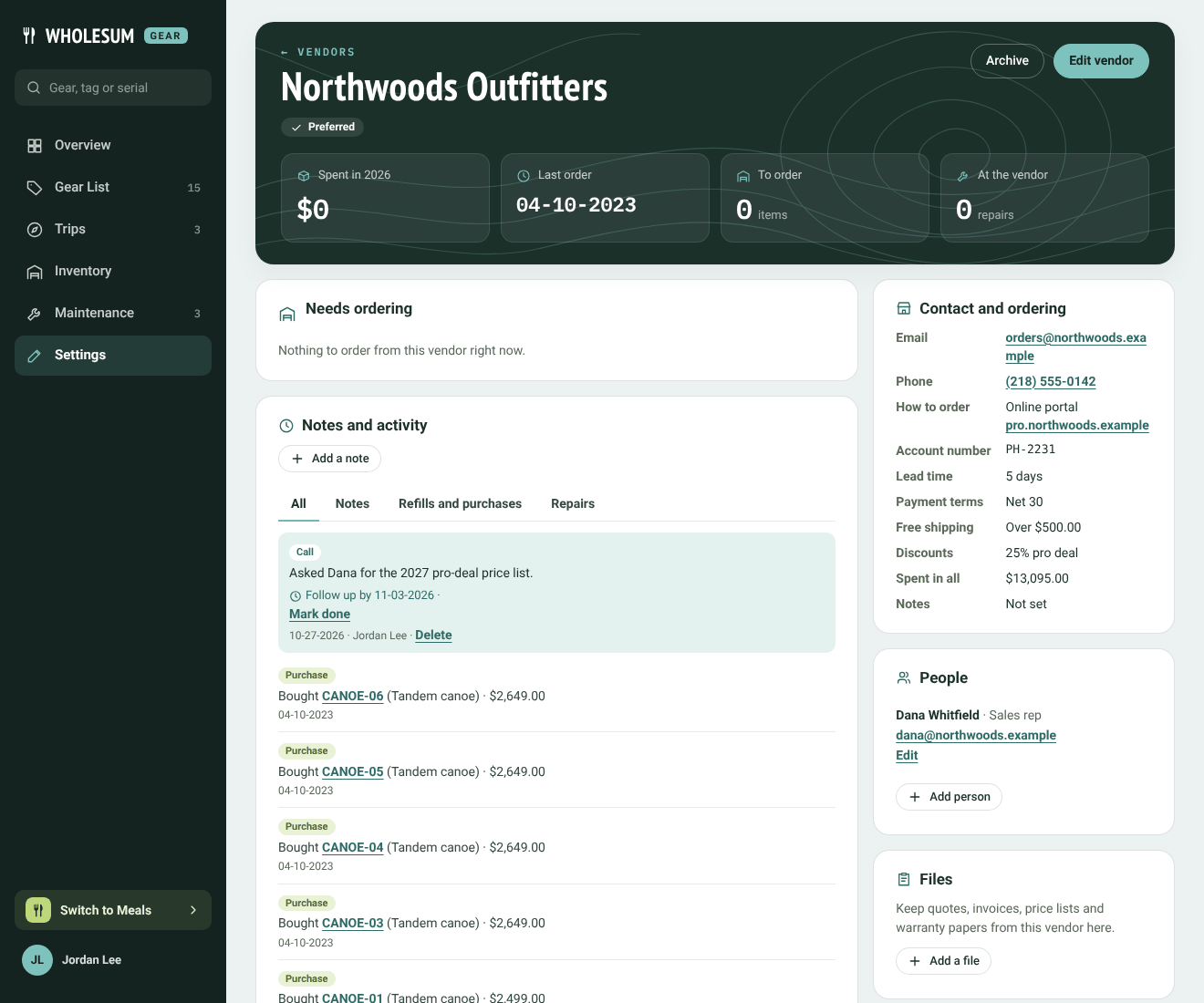
A vendor's page
- The numbers at the top: spend this year, your last order, how many items need ordering, and units at the vendor for repair.
- Needs ordering: items you buy here that are below their reorder point, short for upcoming trips, or near the end of their expected life. Open resupply takes you to the Resupply: what to buy page.
- Contact and ordering: email, phone, how to order (online portal, email, phone, through a rep or in store), the ordering link, account number, payment terms, lead time, free-shipping threshold, discounts and whether your tax-exemption certificate is on file. Click Edit vendor to change these.
- People: the sales rep, warranty desk or accounts contact. Click Add person.
- Notes and activity: a log of your dealings with them. Add a note, call, email, meeting or order placed, with an optional Follow up by date. A follow-up that's due appears under Needs attention on the Overview until you click Mark done. Deliveries recorded from this vendor, units bought there and repairs sent there appear in the same log. Use the Show filter to see only notes, refills and purchases, or repairs.
- Files: quotes, invoices, price lists and warranty papers (PDF, photo, spreadsheet, Word or text, up to 15 MB). Only people with Gear on your account can open them.
- Gear bought here and Units bought here: every item with this as its default vendor, and every unit bought from them, with its age, warranty and how much life is left.
Archiving a vendor
If you stop using a vendor, click Archive. It disappears from the vendor pickers, but its page and history stay. Find it again under Archived on the Vendors page and click Restore to bring it back.
Delete vendor (on the edit form) removes it altogether. Items and units bought from them keep their details but lose the link.


