
The meal planning calendar has a row for each day and a column for each meal: Breakfast, Lunch, Dinner and Snack & Beverage. You can rename these columns in two ways.
For one meal plan
When you create or edit a meal plan, click a column heading on the calendar and type a new name. The change applies to that plan only.
For every new meal plan
- Go to Settings.
- Under Meal planning, find Meal category labels and click Edit.
- Enter the default name for each column and save.
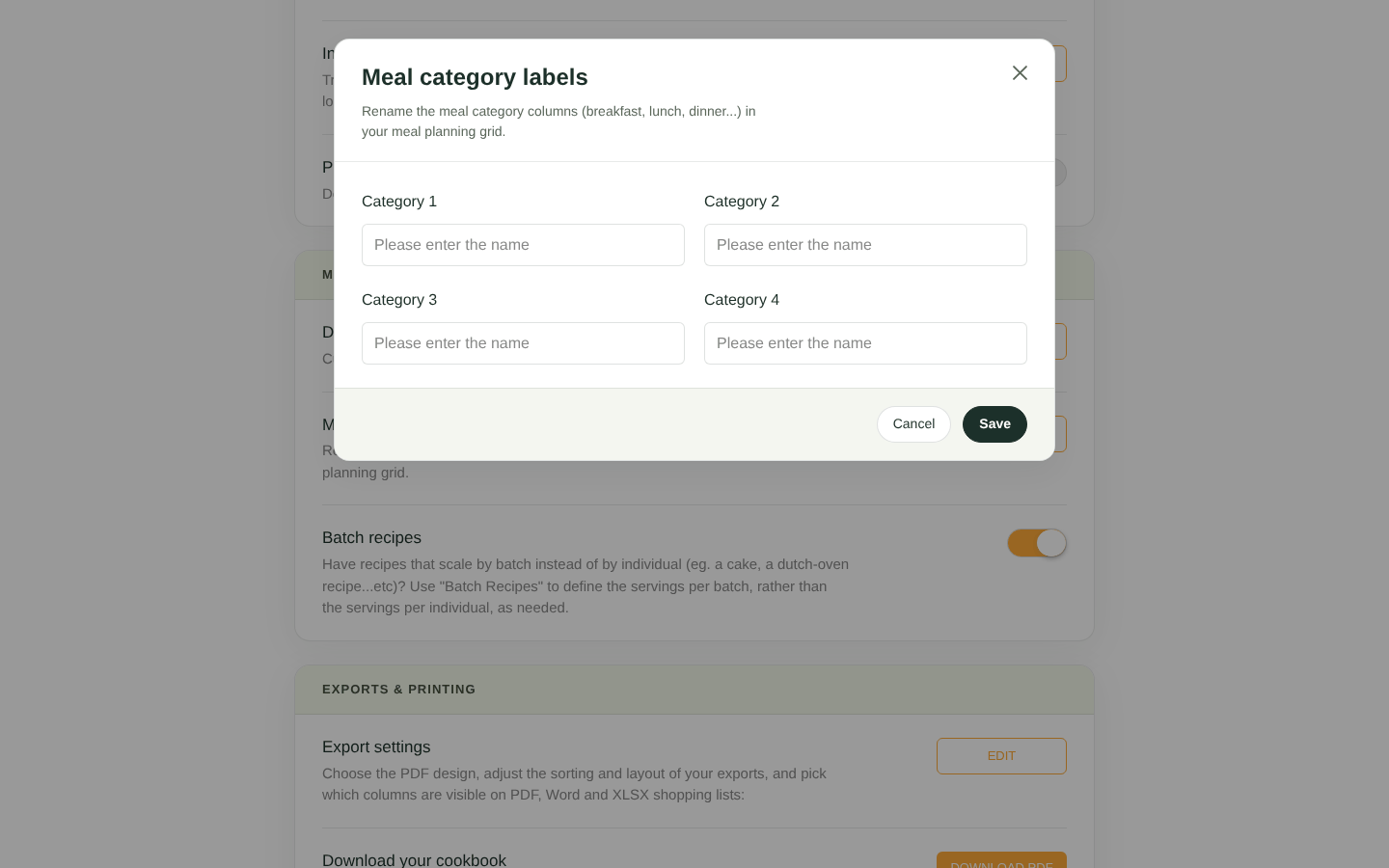
Meal category label settings
Changing the default labels affects new meal plans. Each existing plan keeps its own column names.


