
The Community Forum is where Wholesum users swap ideas about planning meals for groups: snack quantities for canoe trips, organising camp sessions, favourite recipes and more.
To open it, click Forum in the website footer, or Community Forum on your Home page.
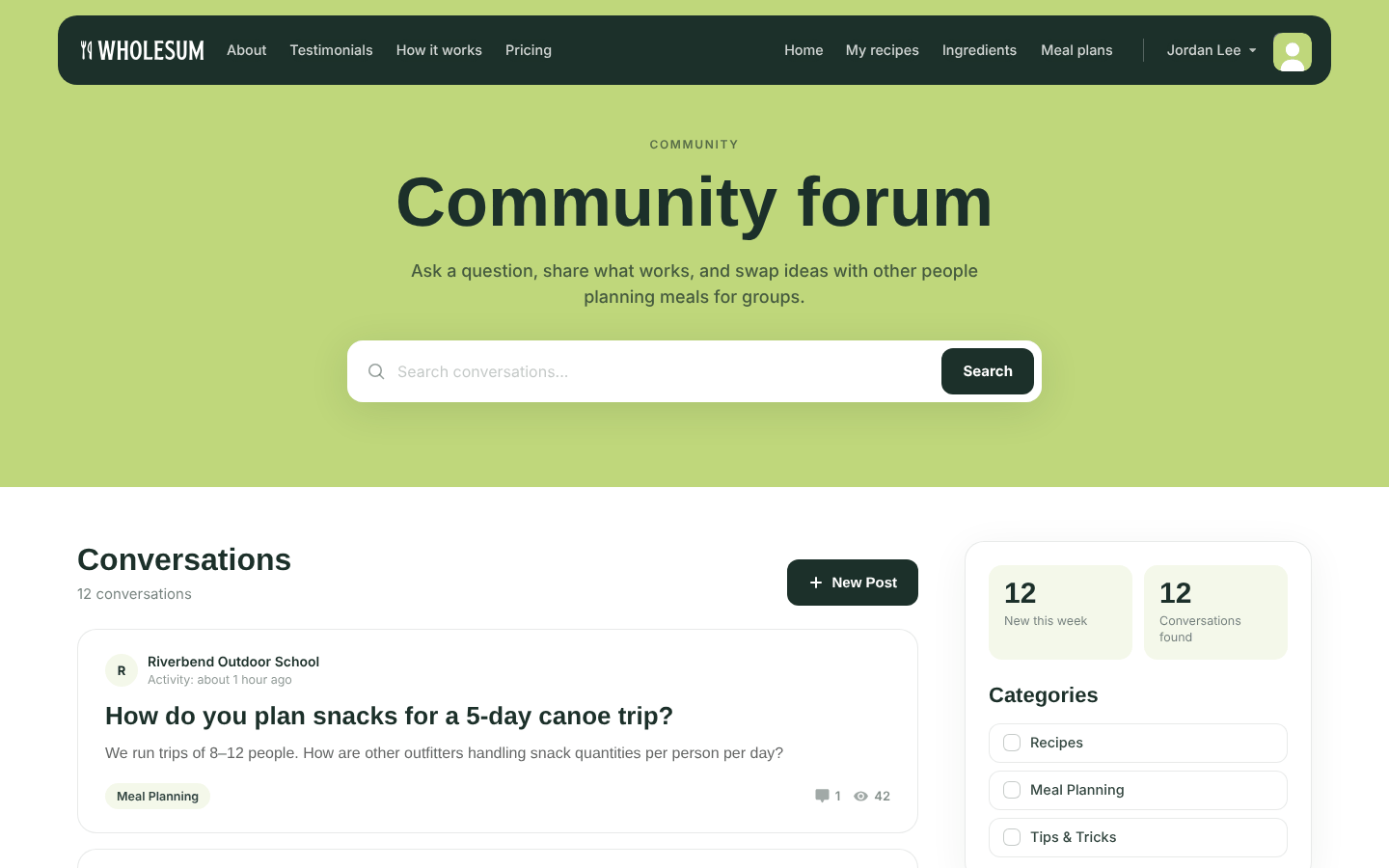
The Community Forum
Browse and search
- Type in Search conversations... and click Search.
- Tick a category on the right to filter conversations.
- Click a conversation to read it and its replies.
Anyone can read the forum, even without logging in.
Start a conversation
Posting new conversations is open to subscribers on a paid plan.
- Click New Post.
- Enter a short Title and your message under Content. You can add formatting, links and images.
- Choose at least one category.
- Click Post.
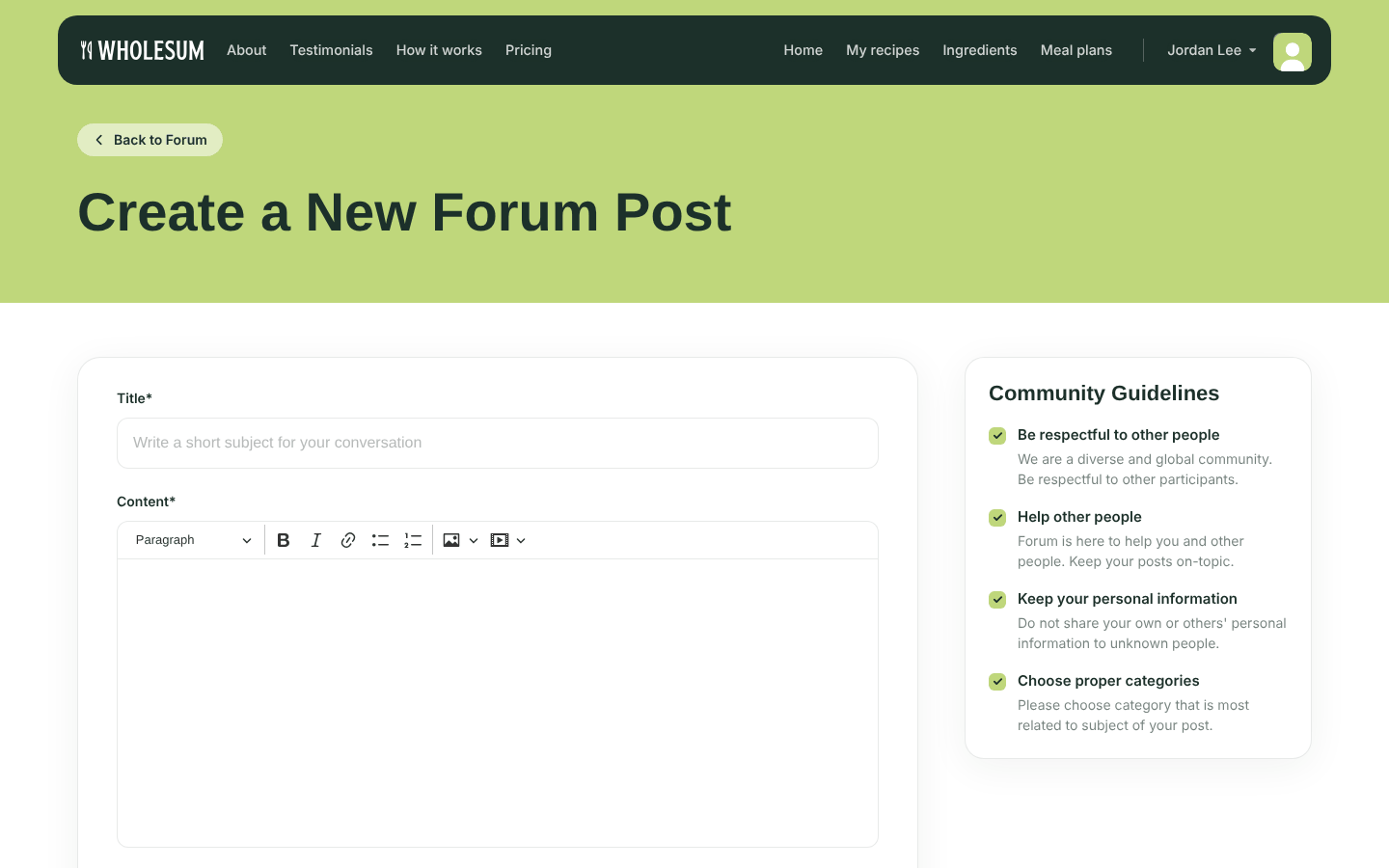
Writing a new forum post
You'll get an email whenever someone replies to your post. You can edit or delete your own posts at any time.
Reply and like
Any logged-in user can reply to a conversation, reply to other comments, and like helpful replies.
Community guidelines
- Be respectful to other people.
- Help other people, and keep your posts on-topic.
- Keep personal information private. Don't share your own or anyone else's.
- Choose the right category, so others can find your post.


