
To manage your personal details, click your name (top right) and choose Account.
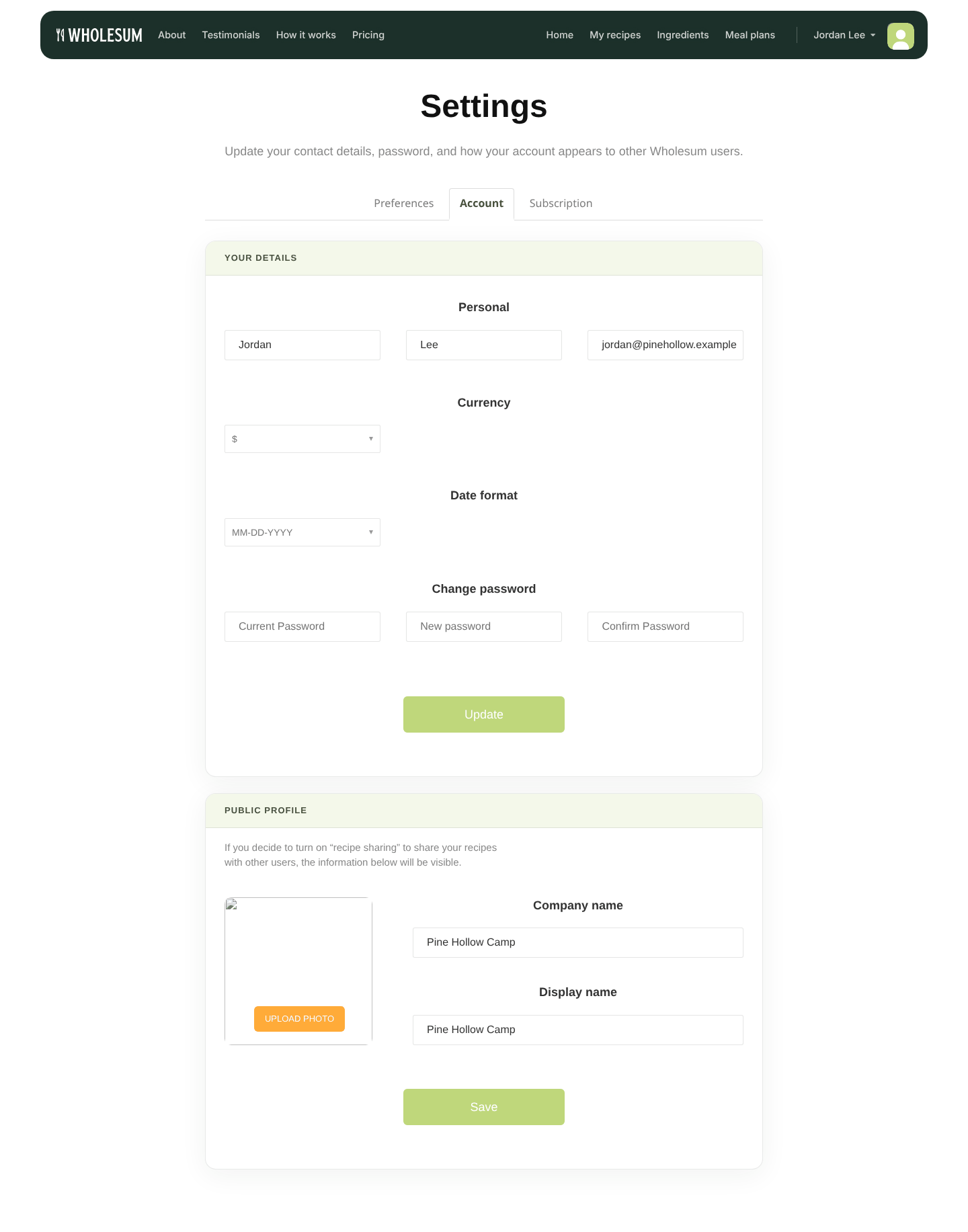
The Account page
Your details
- First name, Last name and Email.
- Currency: the symbol used for all prices and costs.
- Date format: MM-DD-YYYY or DD-MM-YYYY.
- Change password: enter your Current Password, then your New password twice.
Click Update to save.
You only need your current password when you change your password or email address. If you change your email, we'll send a confirmation link to the new address. The change takes effect once you click it.
Public profile
Account owners only.
If you share recipes with the community, other Wholesum users see your public profile next to them:
- Upload Photo: a logo or photo (JPEG or PNG).
- Company name: your organisation, for example Pine Hollow Camp.
- Display name: the name shown on your shared recipes.
Click Save. See Sharing recipes with the Wholesum community for how sharing works.


