
Every new Wholesum account starts with a free 14-day trial. You don't need a credit card, and the trial includes every feature.
Sign up
- Click Sign up in the top-right corner of the Wholesum website, or Start your free 14-day trial on the home page.
- Fill in your first and last name, email address and a password. Passwords must be 8–72 characters, and you'll type yours twice to confirm it.
- Choose an answer under How did you hear about us?
- Under How do you plan to use Wholesum?, choose either:
- Personal groups/trips with friends or family, or
- For an organization, business, camp, school, or nonprofit.
- Tick I accept the Terms of Service and click Sign up.
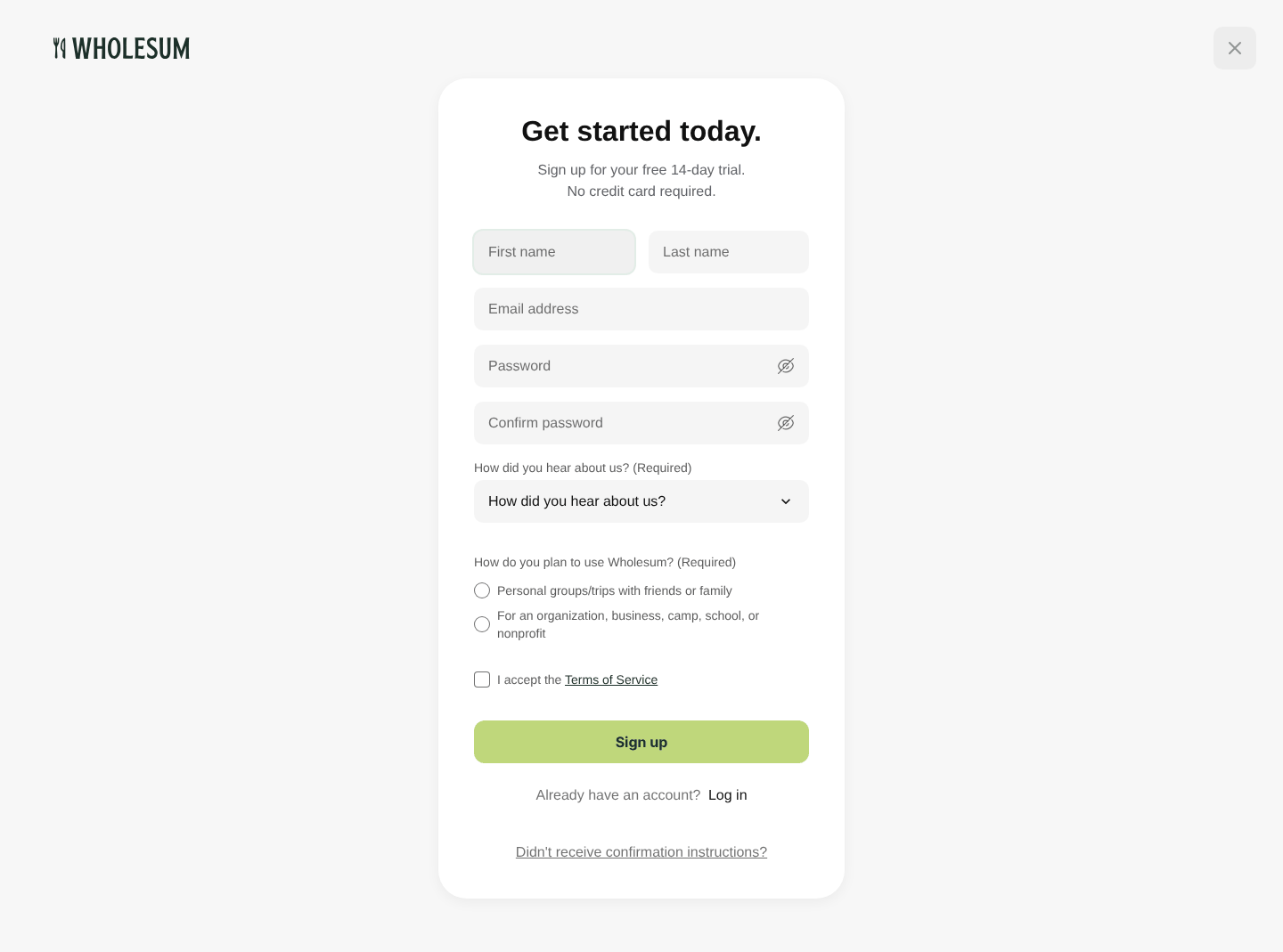
The sign-up form
Confirm your email address
Next you'll see a Check your inbox page. We've emailed you a confirmation link.
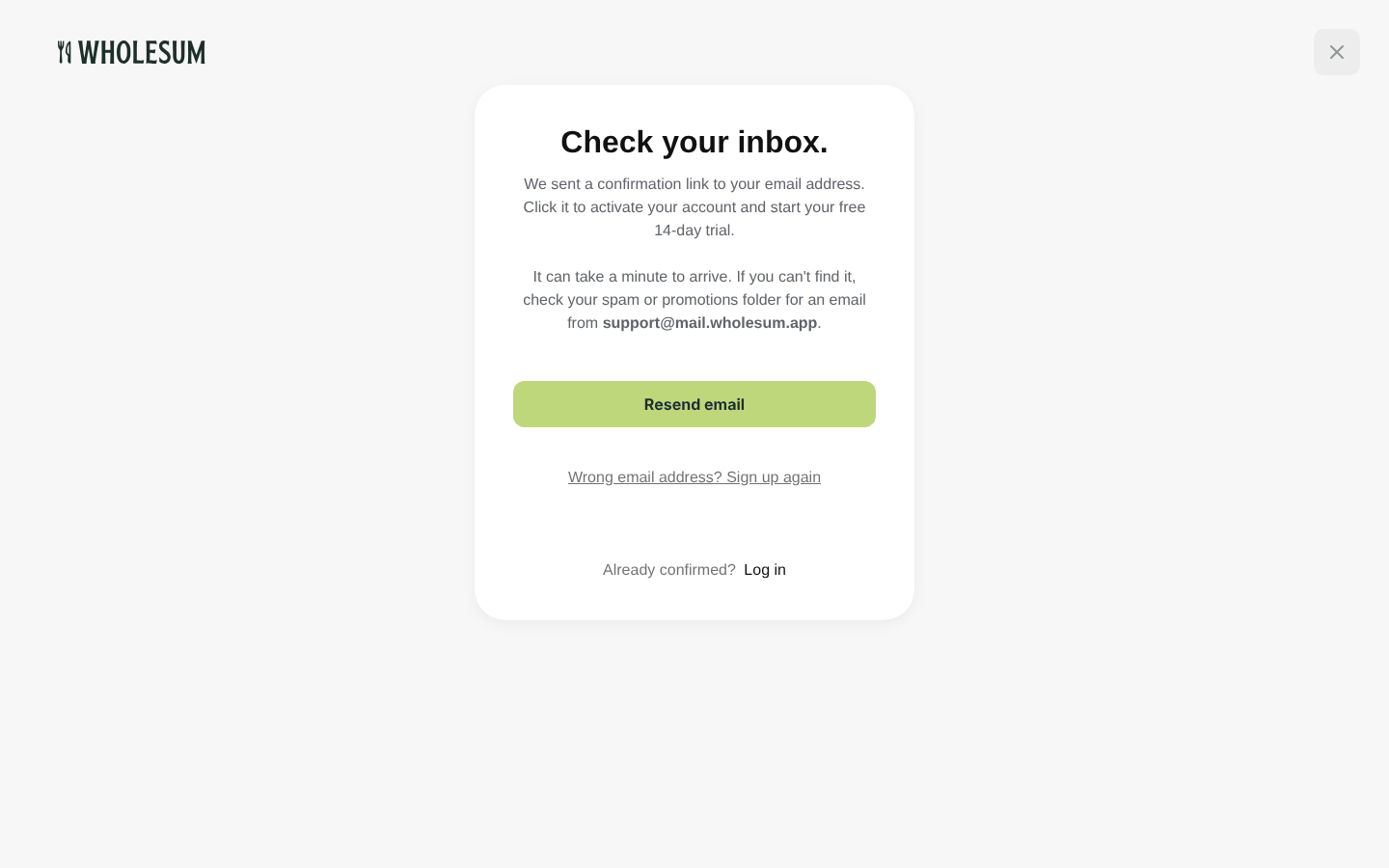
The Check your inbox page
- Open the email titled Verify your email address.
- Click Confirm Email.
- You'll see "Your email address is confirmed. You can log in now." Your 14-day trial starts at this moment.
Can't find the email?
- Give it a minute, then check your spam or promotions folder.
- Click Resend email on the Check your inbox page, or go to Didn't receive confirmation instructions? under the login form.
- Typed the wrong address? Click Wrong email address? Sign up again.
You can't log in until your email address is confirmed. If you try, you'll see "You have to confirm your email address before continuing."
Log in
- Click Log in at the top of the website.
- Enter your email address and password.
- Click Log in.
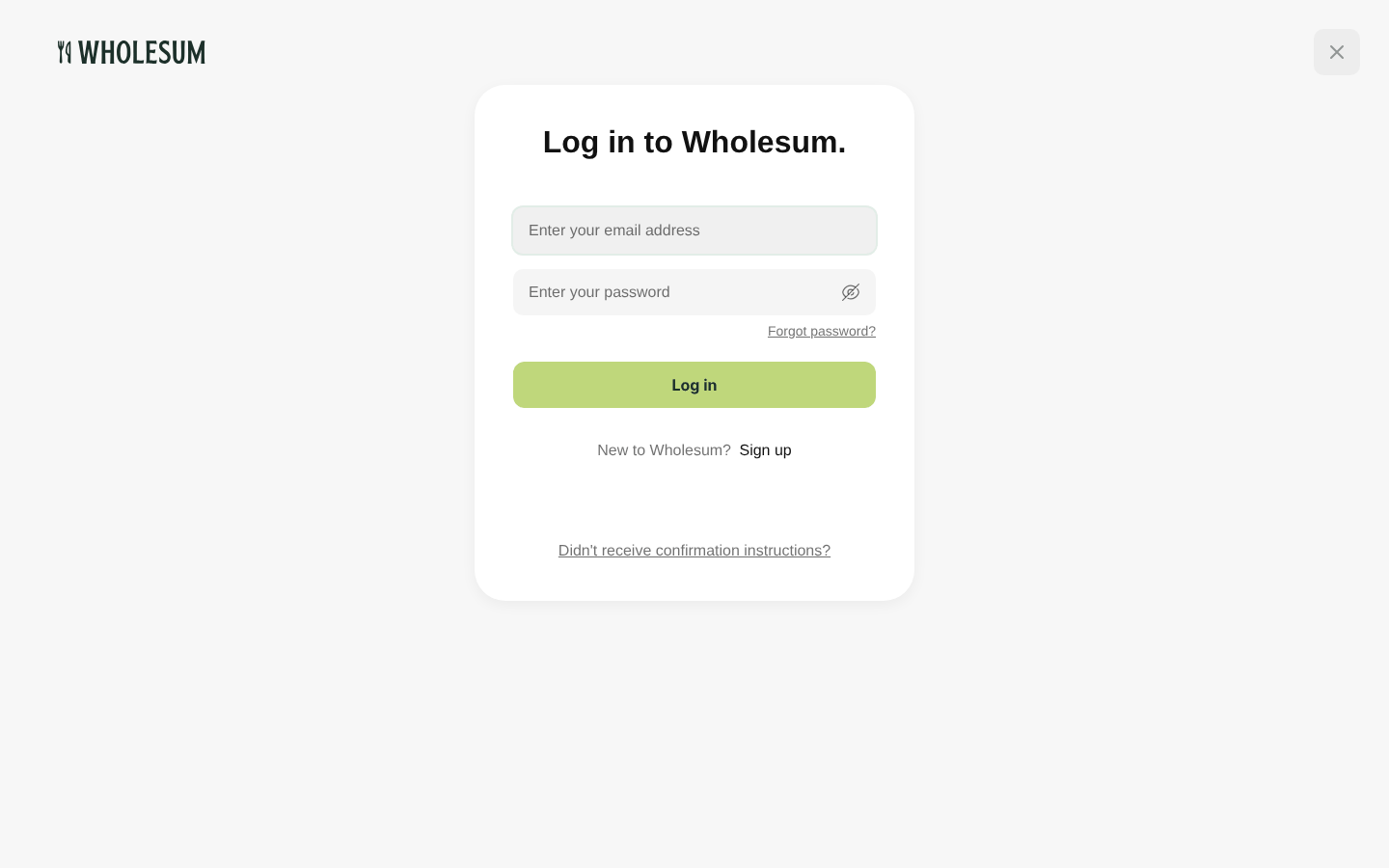
The login page
If you see "Invalid Email or password", check for typos (passwords are case-sensitive) or reset your password.
Forgot your password?
- On the login page, click Forgot password?
- Enter the email address you signed up with and click Send.
- Open the Reset password instructions email and click Change my password.
- Enter and confirm your new password, then click Change my password. You'll be logged in straight away.
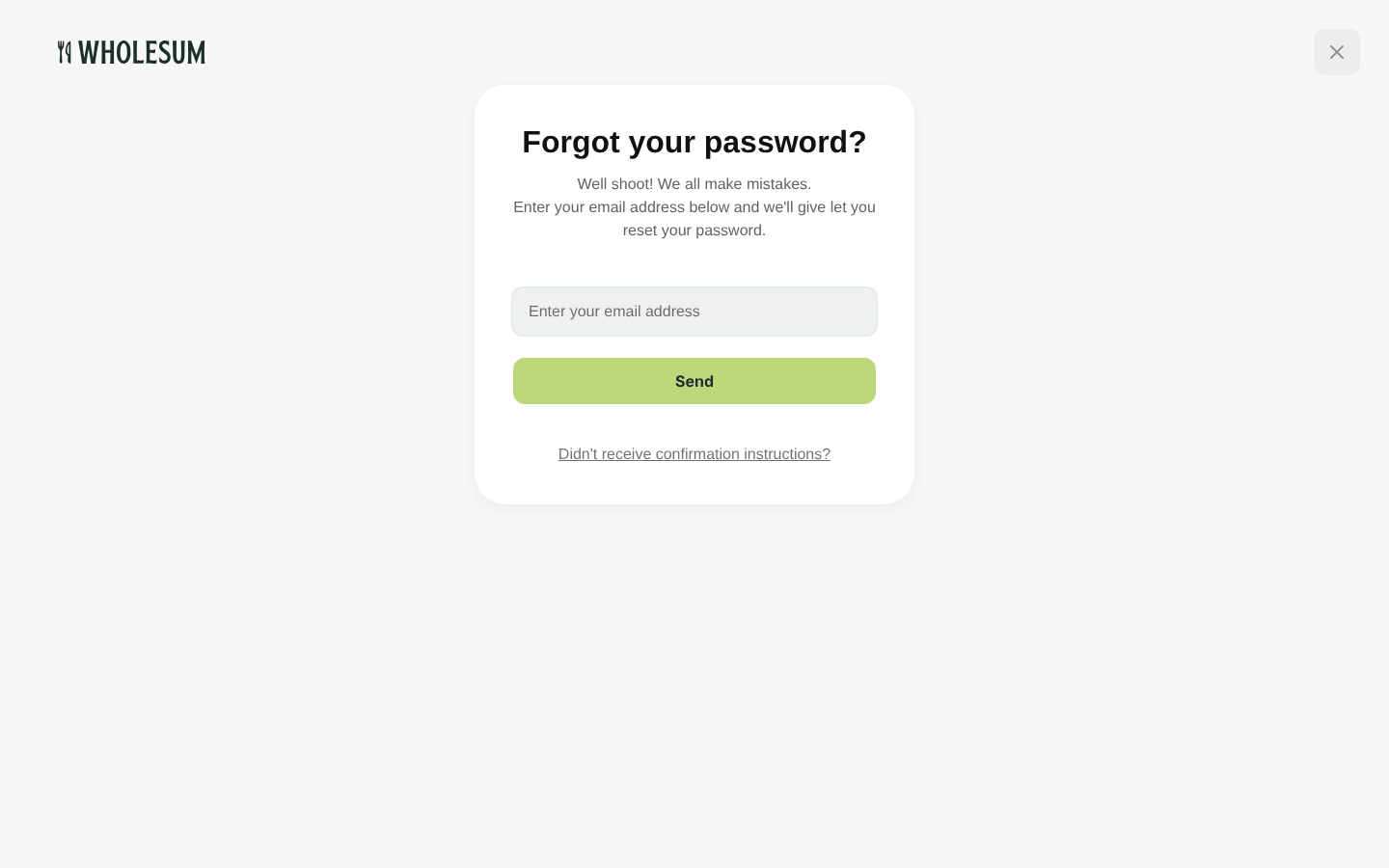
The Forgot your password page
Changing your email or password later
You can change your name, email address and password at any time. Choose Account from the menu under your name. See Your account details and public profile.


