
Wholesum helps you feed groups with allergies and dietary restrictions safely. It works in four places: the list of restrictions you track, what each recipe contains, rules on individual ingredients, and the restrictions in each group you feed.
Video: managing dietary restrictions
1. Set up the restrictions you track
- Click your name (top right) and choose Settings.
- Under Recipes & ingredients, find Dietary restrictions and click Manage.
- Click Add component to add a restriction, edit a name in place, or remove one. Then click Save.
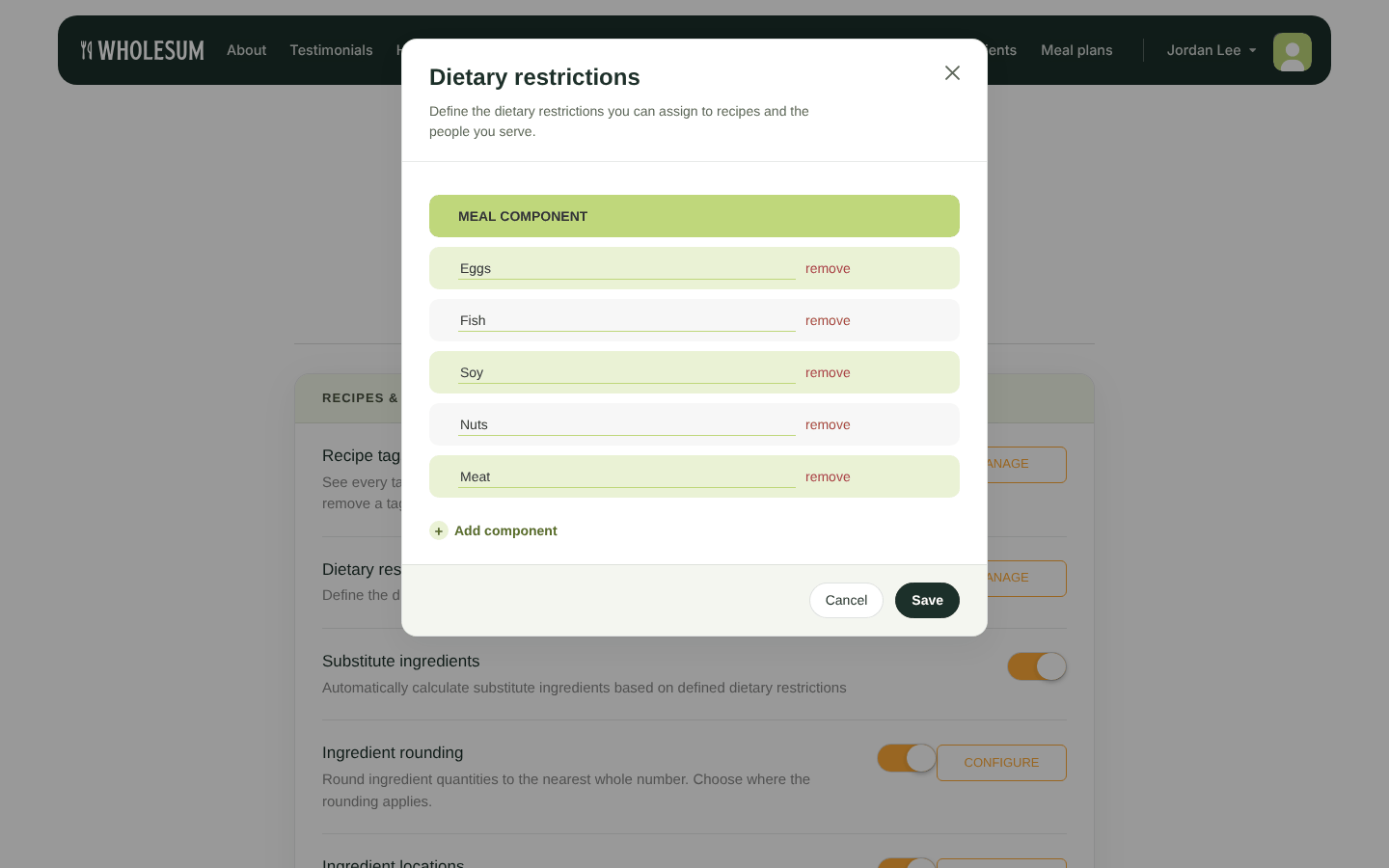
Managing dietary restrictions
These restrictions appear as Meal contains on recipes and as Dietary restrictions on meal plans.
2. Mark what each recipe contains
On each recipe, under Meal contains, tick every restriction the recipe contains, for example Eggs or Nuts. See Recipe details: dietary information, instructions, categories, tags and photos.
3. Add dietary rules to ingredients
Tell Wholesum once that an ingredient conflicts with a restriction, for example that Peanut Butter contains Nuts. Wholesum then applies that rule whenever you add the ingredient to a recipe.
- On Ingredients, click Manage → Dietary on the ingredient.
- Tick each restriction this ingredient conflicts with.
- Optional: click Add a substitute and fill in "For every … of ingredient, use …". This replacement is then offered automatically in recipes.
- Click Save.
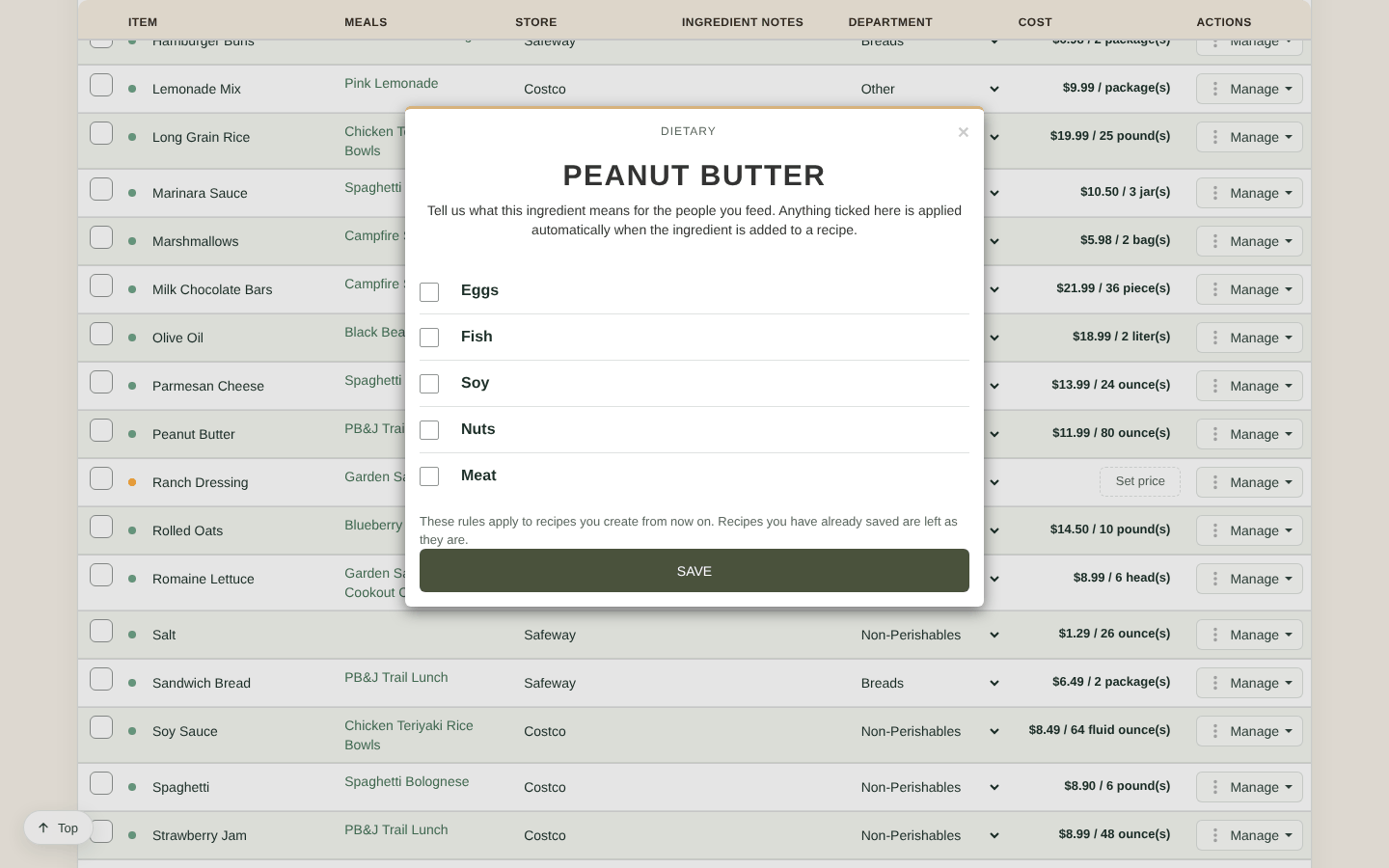
Dietary rules for an ingredient
Dietary rules apply to recipes you create from now on. Recipes you've already saved keep their current settings.
Substitutes need a Personal, Professional or Enterprise plan (or your trial), with Substitute ingredients turned on in Settings.
4. Plan for the restrictions in your group
When you create a meal plan, tick each restriction in the group and slide the bar to how many people have it. Then:
- Recipes that contain one of the group's restrictions show a ⚠ warning in the recipe list.
- Use the Doesn't contain filter to hide recipes with a restriction.
- With Substitute ingredients turned on, Wholesum swaps in substitutes for exactly that many people. See Substitute ingredients for dietary restrictions.
- To serve a different dish to some people, add both dishes to the same meal and set # of individuals served on each. See Substitution Meals.
Let Olive double-check
Review with Olive on any recipe flags ingredients that may conflict with your restrictions, and lets you save those rules to your ingredients. See Reviewing a recipe with Olive (portions, allergens, cost and nutrition).


